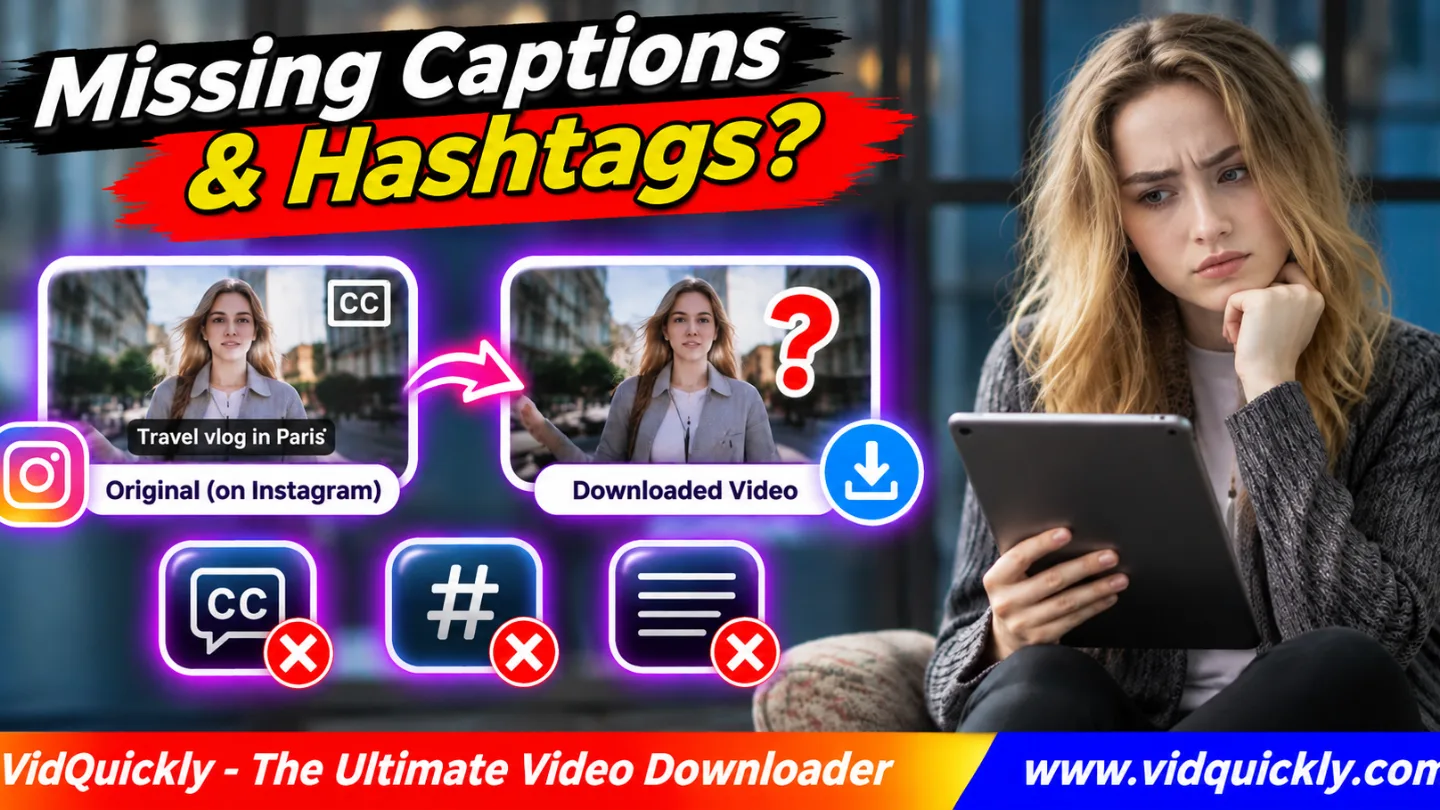
Instagram video download missing captions? The downloaded MP4 usually contains the video and available audio, not the Instagram post description, hashtags, or automatic subtitles. Text added directly to the video frames normally remains, while text displayed separately by Instagram may disappear.
First, identify which text is missing. A post caption is not the same as subtitles, and neither is the same as a video text overlay.
This guide explains why downloaded Reels lose descriptions, hashtags, or captions, how to check MP4 subtitle tracks, and how to preserve important text from your own Instagram videos without relying on screenshots.
Key Takeaways — Quick Checklist
- Identify whether the missing text is a post caption or subtitle.
- Check whether the words are part of the video image.
- Inspect the MP4 for a separate subtitle track.
- Copy available post descriptions and hashtags separately.
- Keep original subtitle files for your own Reels.
- Check whether automatic captions appear only inside Instagram.
- Save the original Reel URL with your backup.
- Do not assume a video downloader exports post metadata.
Why Are Instagram Captions Missing After Downloading a Video?
An Instagram downloaded Reel missing text problem often happens because Instagram stores different information in different places. Video images, audio streams, descriptions, hashtags, and automatic captions do not all form one downloadable file.
A working MP4 can therefore be missing text without being damaged.
What is the difference between a caption and a subtitle?
Instagram uses the word caption for two different features.
A post caption means the written description attached to a Reel or feed post. Subtitles display spoken words during video playback.
Other text types include:
- Hashtags: Searchable topic labels inside the post description.
- Burned-in subtitles: Words permanently included in video frames.
- Closed captions: A separate text layer or track.
- Text overlays: Titles, stickers, or labels displayed over a video.
- Alt text: Image descriptions used for accessibility.
Each type may require a different saving method.
Why does an MP4 not include the post description?
A normal MP4 contains encoded media streams and may contain technical metadata.
The Instagram description and hashtags belong to the post, not necessarily to the media file.
Downloading video bytes does not automatically export the entire Instagram page.
A downloader would need a separate feature to retrieve and save that text.
Does a successful download mean all information was saved?
No. A complete video file and a complete post archive are different things.
For example, you might save a playable 1080p Reel while losing its description, hashtag list, or automatic captions.
Check which information matters before creating your archive.
For the broader difference, read how Instagram Save and Download work differently.
Instagram Post Captions vs Hashtags vs Subtitles: What Gets Saved?
The type of text determines whether it survives a download. Text permanently encoded into video frames normally remains visible, while descriptions, hashtags, and platform-generated caption layers often require separate access.
Instagram Text Types Comparison
| Text Type | Where It Exists | Usually Included in MP4? | Best Preservation Method |
|---|---|---|---|
| Post caption | Instagram post description | No | Save description separately |
| Hashtags | Description or comments | No | Copy available text |
| Burned-in subtitles | Encoded video frames | Yes | Keep compatible video |
| Auto-generated captions | Platform playback layer | Not guaranteed | Keep own transcript |
| Separate subtitle track | Media or player data | Only if included | Save available subtitle file |
| Video title graphic | Video pixels or overlay | Depends on how added | Keep original design |
| Cover image text | Separate cover artwork | Not guaranteed | Save original cover image |
This comparison describes typical behavior rather than a guarantee for every Instagram publication.
Why do some subtitles stay visible?
Some creators place subtitles in their editing software before uploading a Reel.
The editor combines those words with the picture. This process is commonly called burning in subtitles.
The words then become part of each video frame.
When a downloader saves that encoded video representation, the subtitles normally remain visible.
You cannot switch off burned-in text as a separate subtitle track.
Why can Instagram auto captions disappear?
Instagram may generate captions automatically and display them during playback.
Meta has documented its use of auto-generated captions for Instagram videos in its official accessibility feature update.
These words may exist as a separate playback layer rather than inside the downloaded video image.
An MP4 download does not guarantee an accompanying SRT or VTT subtitle file.
How to Check Whether an Instagram MP4 Contains Subtitles
An Instagram video subtitles missing issue requires two checks: look for text embedded in the picture and inspect whether the file contains a separate subtitle stream.
If neither exists, changing the player's caption settings will not restore the missing Instagram text.
How do you identify burned-in subtitles?
- Open the downloaded MP4 in a trusted player.
- Play a section where the original Reel shows captions.
- Look for text directly over the picture.
- Check whether the player offers a subtitle toggle.
- Turn subtitles off if that option exists.
- Compare the result with the original Instagram Reel.
If text remains visible when subtitle playback is disabled, it is probably part of the video frames.
If the words disappear with the subtitle toggle, the player may be using a separate caption track.
How do you inspect an MP4 subtitle track?
Use a trusted media-information tool, such as MediaInfo.
- Open the MP4 in the inspection application.
- Select the detailed media information view.
- Find the Video and Audio sections.
- Look for Text or Subtitle streams.
- Check the reported format when present.
- Compare the result with your player settings.
A typical file may contain H.264 video and AAC audio without any subtitle stream.
Some MP4 files support timed-text subtitles, but Instagram does not guarantee that every downloaded Reel includes them.
What is the difference between SRT and VTT?
SRT and WebVTT are text-based subtitle formats.
They usually contain words and timestamps that tell a compatible player when to display each line.
An .srt or .vtt file is different from burned-in subtitles.
Renaming an MP4 to .srt cannot extract missing words.
For a more detailed comparison, see how Instagram Reel captions survive downloads.
How to Save Instagram Captions and Hashtags Separately
To preserve Instagram download hashtags and post descriptions, save the available text separately from the video file. This gives you a useful reference archive without assuming that a video downloader exports the full post.
How do you copy an Instagram post description?
- Open the original Reel or post.
- Expand its caption to show the available text.
- Copy the post URL.
- Open the post in a browser if needed.
- Select the description text when supported.
- Copy it into Notes or a text editor.
- Check that hashtags and line breaks remain correct.
- Save the text beside the authorized video file.
Instagram's mobile interface may not allow direct selection of every caption.
For your own posts, use the editable caption or official account information export when available.
How should you store hashtags with a downloaded Reel?
Keep a simple text file that contains:
- Original Instagram URL.
- Creator or account name.
- Publication date, when available.
- Post description.
- Hashtags.
- Notes about permission and attribution.
For example:
reel-001.mp4
reel-001-caption.txt
reel-001-cover.jpg
This makes it easier to find the source of a saved video later.
Do not assume that copying hashtags also grants permission to reproduce another creator's writing.
Can you preserve captions through Instagram's official data export?
For your own account, Meta's Download Your Information feature can provide available account data and media categories.
The export is more appropriate for an account-wide archive than downloading individual MP4 files.
However, review the actual export contents instead of assuming every caption or subtitle will appear.
For full backup steps, read how to archive your own Instagram media.
How to Fix Missing Captions, Hashtags and On-Screen Text
Start with the specific missing element. A post description needs text preservation, a missing subtitle track needs caption data, and a missing graphic may require the original editing project.
Missing Instagram Text Troubleshooting Table
| Problem | Likely Cause | Recommended Fix |
|---|---|---|
| Hashtags missing | Stored in post text | Copy description separately |
| Reel description missing | Not part of MP4 | Save accessible caption text |
| Auto captions missing | Separate playback layer | Use available transcript |
| Burned-in subtitles missing | Different media version | Check original source |
| No subtitle option | No compatible text track | Inspect MP4 streams |
| Text overlay missing | Platform or editing layer | Use creator's original project |
| Cover title missing | Separate cover image | Save original artwork |
| Captions show wrong words | Automatic transcription error | Correct an authorized transcript |
What if the downloaded video has sound but no subtitles?
Sound and subtitles are separate media elements.
An AAC audio track can play correctly even when the MP4 contains no subtitle data.
Use the creator's original subtitle file when available.
For your own content, you can also transcribe the authorized recording and review the words manually.
Automatic transcription may contain errors, especially with names, technical terms, or noisy speech.
Why is Instagram Reel text not saved?
The missing words may come from a separate Instagram overlay rather than pixels inside the encoded video.
Another possibility is that you downloaded a different media representation.
Compare the exact time position in the saved MP4 with the original Reel.
Do not treat missing interface elements as evidence that the video file is corrupted.
What if the words appear on the cover but not inside the video?
A Reel can use a custom cover image that differs from its video frames.
Text on that cover does not necessarily appear during playback.
Downloading the MP4 may therefore exclude its cover title.
Read how to preserve Instagram Reel cover artwork to understand the difference.
How to Download and Archive Instagram Videos With Their Text
For authorized public videos, download the available media and preserve the required text separately. This is more reliable than expecting one MP4 to contain the complete Instagram post.
How do you download a compatible Reel with VidQuickly?
- Open the public Instagram Reel or video post.
- Confirm that you have permission to save it.
- Copy its individual URL.
- Visit VidQuickly's Instagram video download tool.
- Paste the complete link.
- Select Download.
- Review the available media options.
- Save a compatible MP4.
- Check playback and visible subtitles.
- Store the authorized post text separately.
VidQuickly documents video downloads for compatible public Instagram links.
It does not separately guarantee an export of post descriptions, hashtags, auto captions, or subtitle files.
How can creators keep captions in their own videos?
If you own the Reel, retain your original editing project and transcript.
Choose a subtitle strategy before publishing:
- Burn subtitles into a video copy when permanent visibility is needed.
- Keep a separate SRT or VTT file for compatible players.
- Preserve a clean version without subtitles for future editing.
- Review names, timing, and punctuation before exporting.
- Keep the post description and hashtags in a text document.
Do not discard the original project after uploading to Instagram.
Can the same problem occur with Facebook videos?
Yes. Facebook can also display post text and captions separately from the encoded video file.
For compatible Facebook-hosted media, use VidQuickly's Facebook video download tool.
That tool does not automatically guarantee separate description or subtitle exports either.
Check each platform's media and text features independently.
Responsible use: Save public videos for offline personal research and educational purposes only when you have permission or another lawful basis. Respect copyright, creator consent, privacy settings, and platform terms. Do not use downloads or transcripts to reproduce someone else's protected content without appropriate rights.
Conclusion: Save the Video and Text as Different Assets
An Instagram video download missing captions does not always mean the download failed. The MP4 may contain valid video and audio while the post description, hashtags, or Instagram-generated subtitles remain separate.
Identify whether the missing words belong to the post, a subtitle track, a screen overlay, or the original video frames. Then save the available text through an authorized method and keep it beside your video.
For your own Reels, preserve source projects, transcripts, cover images, and captions. For compatible public videos you have permission to save, use VidQuickly and verify the actual media output.
Frequently Asked Questions About Missing Instagram Captions
Why are my Instagram Reel captions not downloading?
Instagram may display automatic captions separately from the encoded video. If those words are not burned into the picture or included as a subtitle stream, a normal MP4 download may omit them.
Does an Instagram video download include hashtags?
Usually not. Hashtags belong to the post description or other Instagram text, not the encoded video. Save accessible hashtags separately when you need an authorized reference copy.
Can I download Instagram auto captions as an SRT file?
Not as a guaranteed feature for every Reel. Instagram's automatic captions do not necessarily appear as a publicly downloadable SRT file. Use an authorized transcript or original subtitle project when available.
What is the difference between a video caption and a subtitle?
A post caption is written information attached to a publication. Subtitles show spoken words during playback. Instagram uses the word caption for both, but they are stored and displayed differently.
Why does my downloaded Reel keep some text but lose other words?
Text burned into the video remains part of its picture. Platform-generated captions, interactive overlays, hashtags, and post descriptions may exist outside the encoded MP4.
Can MP4 metadata contain an Instagram post description?
MP4 supports technical metadata and some text information, but a typical downloaded Reel does not automatically contain the complete Instagram description or hashtag list. Inspect the file instead of assuming those details are present.
Can VidQuickly download Instagram Reels with subtitles?
It can save compatible public Reel media. Subtitles already encoded into the video image should remain visible, but separate Instagram-generated captions and subtitle files are not guaranteed.