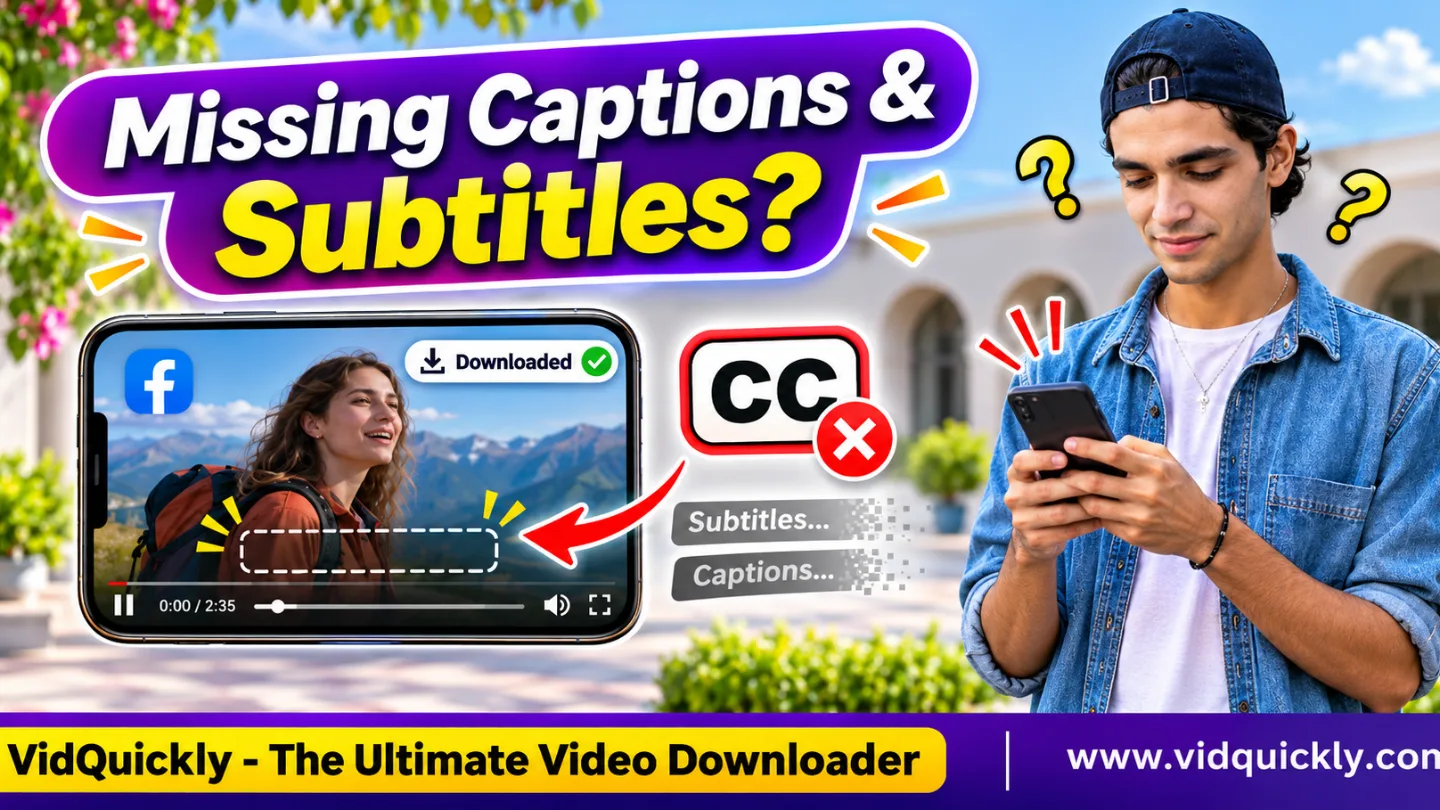
If your Facebook video download is missing subtitles, the captions may exist outside the MP4 file. Facebook can display automatic captions or separate subtitle tracks while playing a video, but downloading the video does not always include that text. Only burned-in captions are guaranteed to remain visible in the video image itself.
A downloaded Facebook Reel may therefore contain normal video and audio without the subtitles you saw online.
The solution depends on how Facebook displays the captions. This guide explains burned-in text, closed captions, SRT and VTT files, automatic captions, and how to preserve subtitles in videos you own or have permission to use.
Key Takeaways:
- Facebook captions are not always part of the downloaded MP4.
- Burned-in subtitles remain visible because they are part of the video image.
- Closed captions may exist as separate subtitle data.
- Facebook automatic captions may appear only during platform playback.
- SRT and VTT files store subtitle text and timing information.
- A Facebook post description is not the same as video subtitles.
- MediaInfo or FFprobe can help identify embedded subtitle tracks.
- Downloading a video does not automatically grant rights to reuse its captions.
Why Do Facebook Video Subtitles Disappear After Downloading?
Facebook video subtitles may disappear after downloading because the platform displays them as a separate text layer rather than including them in the video image. A standard MP4 download may contain only video and audio streams.
This is especially important for Facebook Reels and videos with automatic captions.
When you watch a video on Facebook, the player may combine several elements:
- Video frames.
- Audio streams.
- Closed captions or automatic subtitles.
- Interactive buttons and interface elements.
- Post descriptions and other publication information.
These elements do not necessarily belong to one downloadable media file.
For example, a Reel may display English subtitles while you watch it on Facebook. After downloading the MP4, the video plays normally, but the English text disappears.
The download may still be technically complete.
Does Facebook automatically include captions in MP4 downloads?
No. You should not assume that Facebook includes every caption or subtitle displayed during playback in a downloaded MP4.
The result depends on the original video, how the captions were created, and which media streams the download contains.
If the creator placed text directly into the video before uploading it, that text should remain visible.
If Facebook adds captions during playback, the downloaded video may not contain them.
Burned-In Captions vs Closed Captions vs Automatic Captions
Burned-in captions form part of the video image, while closed captions exist as separate text data. Automatic captions describe how software creates the text; they may appear as a separate player layer rather than permanent video content.
Understanding these differences is the fastest way to identify why your Facebook Reel subtitles are not downloading.
| Caption Type | How It Works | Included in MP4 Video Image? | Can Viewers Turn It Off? |
|---|---|---|---|
| Burned-in captions | Text is rendered into video frames | Yes | No |
| Closed captions | Separate timed text or subtitle track | Not necessarily | Usually yes |
| Automatic captions | Speech recognition generates text | Depends on how the captions are delivered | Often yes |
| Embedded subtitle track | Subtitle data stored inside a media container | Separate from video frames | Usually yes |
| Post description | Text attached to the Facebook publication | No | Not applicable |
| Reel interface text | Facebook displays interface elements over playback | No | Depends on the element |
What are burned-in or hardcoded subtitles?
Burned-in subtitles are permanently visible text inside the video frames. They remain present when you download, copy, or play the video because the text is part of the picture.
For example, a creator may add subtitles using a video editor before exporting the final MP4.
These captions do not require a separate SRT file.
You also cannot turn them off using the player's caption settings.
What are Facebook closed captions?
Closed captions are timed text that a video player can display separately from the picture. They may include spoken words and descriptions of important sounds.
Closed captions can come from manually prepared subtitle files or supported caption-generation features.
Their availability depends on the publication and playback system.
Downloading the main video stream does not guarantee that the caption data comes with it.
Are Facebook automatic captions the same as subtitles?
Automatic captions use speech recognition to create text from spoken audio. Facebook may display this text during playback without permanently adding it to the original video frames.
Automatic captions can also contain mistakes.
Names, technical terms, accents, and background noise may affect accuracy.
If you need a reliable transcript, review and correct the text rather than treating automatic captions as perfect.
How to Check Whether Your Downloaded Facebook MP4 Contains Subtitles
You can check a downloaded Facebook MP4 by testing its caption controls and inspecting its media tracks. If the file contains no subtitle track and no burned-in text, a normal video player cannot display the missing captions.
Step 1: Compare Facebook playback with the downloaded file
- Open the original Facebook video or Reel.
- Check whether captions appear during playback.
- Look for an available captions or CC control.
- Turn captions off, if Facebook provides that option.
- Observe whether the text disappears.
- Open the downloaded MP4.
- Compare the text displayed in both versions.
If the text disappears when you disable captions, Facebook likely displays it as a separate layer.
If the text remains visible, it may be burned into the video.
This is a useful first test, although it does not identify every caption format.
Step 2: Inspect the MP4 using MediaInfo
MediaInfo can show the video, audio, and supported text streams stored inside a media file.
- Open MediaInfo on your computer.
- Select the downloaded Facebook MP4.
- Switch to a detailed information view.
- Check the Video section.
- Check the Audio section.
- Look for a Text or subtitle section.
- Record any subtitle format information.
For example, MediaInfo might display:
General
Format: MPEG-4
Duration: 00:00:45

Video
Format: AVC
Codec ID: avc1

Audio
Format: AAC LC

Text
Format: Timed Text
Codec ID: tx3g
Language: English
This example is illustrative. It does not represent a specific Facebook download.
If MediaInfo shows no Text section, the file may have no detectable embedded subtitle stream.
However, burned-in captions will not appear as a separate text track because they exist inside the video frames.
Step 3: Check subtitle streams with FFprobe
FFprobe can list subtitle streams in supported media containers.
Run:
ffprobe -v error -select_streams s \
-show_entries stream=index,codec_name,language \
-of json "facebook-video.mp4"
A file without a detected subtitle stream may return:
{
  "streams": []
}
This means FFprobe found no subtitle stream in that file.
It does not prove that the video has no burned-in text or that Facebook never displayed external captions.
If your video also has no sound, follow these Facebook Reel audio troubleshooting steps to check the audio stream separately.
Facebook SRT, VTT and MP4: Where Are Subtitles Stored?
SRT and VTT files store subtitle text with timing information. They can exist separately from an MP4, allowing compatible players to display captions without permanently changing the video image.
What is an SRT subtitle file?
SRT stands for SubRip Subtitle. It is a plain-text format containing subtitle numbers, timestamps, and caption text.
An example looks like this:
1
00:00:01,000 --> 00:00:03,500
Welcome to our Facebook video guide.

2
00:00:04,000 --> 00:00:06,500
Here is how subtitles work.
A compatible player can use this information to display text at the correct time.
However, the SRT file must be available.
A downloaded MP4 does not automatically create one.
What is a VTT subtitle file?
WebVTT uses the .vtt extension and supports timed text for web video playback.
A basic VTT example looks like this:
WEBVTT

00:00:01.000 --> 00:00:03.500
Welcome to our Facebook video guide.

00:00:04.000 --> 00:00:06.500
Here is how subtitles work.
WebVTT commonly works with web-based media players.
SRT and VTT have similar purposes, but their syntax and supported features differ.
Does MP4 support subtitle tracks?
Yes. MP4 can contain certain subtitle formats, including MPEG-4 Timed Text. However, not every player supports every subtitle format.
The .mp4 extension alone does not tell you whether a subtitle track exists.
Check the actual file structure.
| Media Component | Common Format | Main Purpose | Always Included in MP4? |
|---|---|---|---|
| Video stream | H.264, H.265, AV1 | Moving images | Usually |
| Audio stream | AAC, other supported codecs | Sound | No |
| Embedded subtitles | Timed Text, supported subtitle codecs | Optional captions | No |
| External subtitles | SRT, VTT | Separate timed text | No |
| Post description | Facebook publication text | Context and engagement | No |
| Automatic captions | Platform-generated timed text | Accessibility | No |
This explains why a Facebook MP4 can play correctly while its captions remain missing.
How to Save Facebook Videos With Captions You Own
The most reliable way to preserve captions in your own Facebook videos is to keep the original editing project, export a version with burned-in subtitles, or save the separate subtitle file when available.
Option 1: Export your own video with burned-in captions
- Open your original video editing project.
- Import or create the subtitle text.
- Check the timing of each caption.
- Place the captions inside the visible video area.
- Export the finished video as a compatible MP4.
- Play the exported file.
- Confirm that the subtitles remain visible.
This method works well when you need captions to appear in ordinary video players.
Remember that viewers cannot disable burned-in text.
Option 2: Keep a separate SRT or VTT file
- Open your original subtitle project.
- Export the captions as SRT or VTT.
- Save the subtitle file beside the MP4.
- Give both files matching names.
- Open them in a compatible media player.
- Check subtitle timing and language.
For example:
facebook-video.mp4
facebook-video.en.srt
Some players can automatically recognize a matching subtitle file.
Others require you to select the subtitle track manually.
Option 3: Save an eligible Facebook video and check its captions
If you own the recording or have permission to download it, use an online Facebook video saving service to obtain an available media file.
Then inspect the MP4 before assuming that subtitles are included.
A video downloader may retrieve the video stream without providing Facebook's separate caption data.
If you manage videos from Instagram, the Instagram video saving option online can help with eligible media from that platform. The same distinction between burned-in text and platform captions still applies.
Neither service guarantees SRT, VTT, or transcript extraction.
Why Are Facebook Reel Text Overlays and Post Captions Missing?
Not all text visible on Facebook belongs to the video. Reel interface elements, post descriptions, and some platform-generated overlays exist outside the video frames, so a downloaded MP4 may not contain them.
Facebook Reel text vs video subtitles
A creator may add text directly to a Reel using editing tools.
If the platform renders that text into the final video, it may remain visible in the downloaded file.
However, Facebook may also display interface elements separately during playback.
Examples include:
- Creator names.
- Post descriptions.
- Reaction counts.
- Comment buttons.
- Interactive labels.
- Platform-generated captions.
A standard MP4 does not preserve the complete Facebook interface.
Why is the Facebook post description missing?
The post description is publication metadata, not part of the video stream.
Downloading an MP4 normally saves media content rather than the complete post.
If you need your own description, copy it separately from your original publication or content management records.
For iPhone users, this iPhone Reel download and Photos guide explains where downloaded media files go.
For Android users, follow these Android Gallery missing video fixes if the MP4 itself does not appear.
Can you download a Facebook video transcript?
A transcript may be available through the creator's original caption files, editing project, or supported Facebook account tools.
However, Facebook does not guarantee a downloadable transcript for every video.
If you own the recording, you can also create a new transcript from its audio using an authorized transcription tool.
Review the result for accuracy before publishing.
Legal and safety disclaimer: Download, copy, transcribe, or reuse only videos and captions that you own, have permission to use, or have another lawful basis to access. Respect copyright, privacy, accessibility requirements, and Meta's terms. Do not bypass private content restrictions or assume that public captions are free to republish.
Frequently Asked Questions
Why does my Facebook video have captions online but not after downloading?
Facebook may display captions separately from the video stream. If your MP4 contains no embedded subtitles or burned-in text, the captions will not appear during local playback.
Can I download Facebook auto captions as an SRT file?
Not automatically. SRT export depends on the available creator tools, source files, and caption access. A standard MP4 download does not guarantee a separate subtitle file.
Do burned-in captions disappear after downloading?
No, not when the downloaded file contains the same video frames with the captions already rendered into them. Burned-in text is part of the picture rather than a separate subtitle track.
Can I add missing subtitles to a downloaded Facebook MP4?
Yes, if you have the necessary rights and an accurate subtitle source. Use a video editor to add burned-in text or a compatible player to display an external SRT or VTT file.
Why are Facebook Reel subtitles missing on my phone?
Your phone may not support the file's subtitle format, or the downloaded MP4 may contain no subtitle track. Check the file with MediaInfo and compare it with Facebook playback.
Does downloading a Facebook video also save its post description?
Usually not. The post description belongs to the Facebook publication rather than the MP4 video stream. Save your own publication text separately if you need it.
Conclusion: Check How Facebook Displays Captions Before Downloading
A Facebook video download missing subtitles does not always indicate a failed download. Facebook may display captions through separate text tracks or platform features that a standard MP4 does not include.
Check whether the text is burned into the video, stored as a subtitle stream, or generated during playback. Use MediaInfo or FFprobe to inspect your file.
For your own content, preserve the original editing project and export burned-in captions or separate SRT/VTT files when needed.
Use VidQuickly for eligible video downloads, and always verify subtitle availability before sharing or archiving your media.


