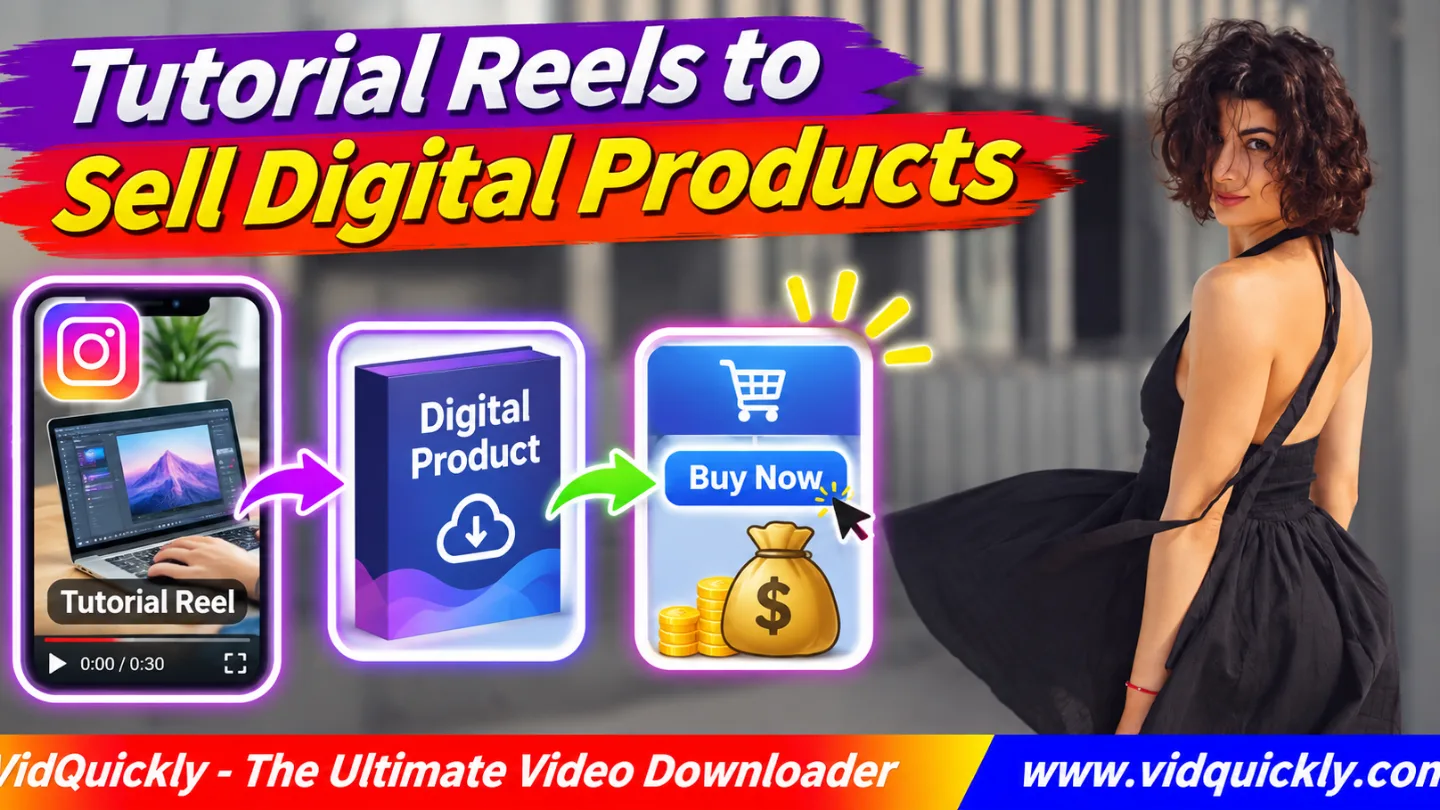
Want to sell digital products with Instagram Reels? Turn your own useful tutorials into ebooks, templates, checklists, or online courses. Show one practical result in each Reel, offer a related resource, and guide interested viewers to a secure product page where they can buy and download it.
You do not need to rebuild every lesson. Start with tutorials you already created, identify questions your audience still has, and develop a product that solves a bigger problem.
This guide explains how to choose a digital product, repurpose educational Reels, build a simple sales funnel, deliver files, and measure actual sales.
Key Takeaways — Quick Checklist
- Find tutorials that solve a clear audience problem.
- Choose one practical digital product to sell.
- Keep your original video and teaching materials.
- Turn short lessons into a complete learning resource.
- Offer a useful free sample when appropriate.
- Connect your Reels to a working product page.
- Test checkout and digital file delivery.
- Measure purchases, not just Reel views.
How Can Instagram Tutorial Reels Help Sell Digital Products?
Instagram tutorial Reels can introduce a problem, show a quick solution, and attract people who want to learn more. A paid digital product offers deeper instructions, reusable materials, or a complete system that goes beyond the short free video.
The Reel attracts interest; your product delivers additional value.
What digital products can you create from tutorials?
Choose formats that help viewers complete a specific task.
Popular options include:
- Ebooks: Step-by-step guides with examples.
- Templates: Ready-to-use documents or designs.
- Checklists: Repeatable processes and quality checks.
- Workbooks: Exercises with space for answers.
- Mini-courses: Organized video lessons and activities.
- Digital planners: Editable planning systems.
- Resource bundles: Several related tools in one package.
For example, a Reel about taking better product photos could lead to a lighting checklist or a complete photography guide.
The paid resource should offer more than the information already available for free.
Do you need a large following?
No specific follower count guarantees digital product sales.
A small audience interested in one problem can be more useful than thousands of viewers who do not need your offer.
Focus on clear demand, helpful content, and a smooth buying experience.
Instagram views alone do not create payments.
You need an external checkout or another supported selling system.
Is this the same as affiliate marketing?
No. With your own digital product, you sell material you created or have rights to distribute.
Affiliate marketing usually means recommending someone else's product and earning a commission on qualifying sales.
Both approaches can use Instagram Reels, but their economics and responsibilities differ.
For that comparison, read how Instagram product Reels generate affiliate commissions.
How to Choose a Digital Product From Your Existing Tutorials
The easiest starting point is a tutorial that already solves a useful problem. Review comments, saves, questions, and audience feedback to identify what viewers want to accomplish after watching.
Build a product around that next step.
Which Instagram tutorials should you repurpose?
Look for Reels that meet these conditions:
- They teach a skill you understand well.
- Viewers ask for more detailed instructions.
- The result is clear and practical.
- The subject supports multiple connected lessons.
- You can create reusable tools or examples.
- The information remains useful beyond one trend.
Do not choose a topic only because the Reel went viral.
Strong engagement can suggest interest, but it does not prove people will pay for a product.
Which format fits your tutorial topic?
| Tutorial Topic | Digital Product | Extra Value for Buyers |
|---|---|---|
| Photography tips | Lighting guide | Setups and printable diagrams |
| Video editing | Editing templates | Reusable timelines and presets |
| Language learning | Workbook | Exercises and answer keys |
| Home organization | Digital planner | Checklists and schedules |
| Graphic design | Editable templates | Ready-to-customize files |
| Cooking lessons | Recipe ebook | Measurements and meal plans |
| Business tutorials | Process toolkit | Worksheets and examples |
Match the product to the task, not just the subject.
A template may solve a problem better than a long course.
How do you validate an idea before building it?
- Choose one specific audience problem.
- Review questions under your existing Reels.
- Identify the outcome people want.
- Sketch a small paid product.
- Share a sample or product concept.
- Ask interested viewers what they still need.
- Test a clear offer without promising unfinished features.
- Build the first version using the feedback.
Use genuine questions instead of asking only whether people "like the idea."
A useful validation question is: "Which step takes you the most time?"
Record answers before spending weeks producing a course.
How to Repurpose Instagram Tutorials Into Ebooks, Templates and Courses
To repurpose Instagram tutorials, collect your original lessons, organize them into a logical sequence, and add the explanations or tools that short videos cannot provide. The goal is to create a more complete learning experience, not simply sell downloaded Reels.
How do you turn a Reel into an ebook?
- Choose a tutorial series around one outcome.
- Write down the main steps from each video.
- Arrange those steps in a useful order.
- Add examples, diagrams, and common mistakes.
- Include checklists or practice activities.
- Edit the language for clarity.
- Export the document as a PDF.
- Test links and page readability.
- Prepare a sample chapter.
For example, five short photography tutorials could become an ebook about creating product photos at home.
The additional instructions make the ebook worth buying.
How do you turn Instagram videos into an online course?
An Instagram video to online course workflow begins with a course outline.
Short Reels can introduce topics, but a course needs clear learning goals, complete demonstrations, and a progression from beginner to finished result.
Use this process:
- Define what students should achieve.
- Divide the subject into small lessons.
- Identify which original videos remain useful.
- Record missing explanations.
- Add exercises or downloadable templates.
- Organize lessons inside a course platform.
- Test playback and downloads.
- Review the complete student experience.
Do not promise that watching a few Reels will automatically make someone an expert.
Be specific about what the course teaches.
Should you download your published tutorials again?
Prefer original camera recordings and editing projects.
A downloaded Instagram MP4 may contain compressed footage, finished effects, or missing licensed audio.
For your own accessible public videos, VidQuickly's Instagram video download tool can help retrieve a compatible MP4 when your original export is unavailable.
A download does not recreate editable layers.
For preparation tips, see how to prepare Instagram Reels for editing.
Keep the original source files whenever possible.
Can you reuse tutorial footage commercially?
Yes, when you own the footage and have the necessary rights to every included asset.
Check music licenses, stock graphics, collaborators, and recognizable people.
A track available in Instagram's editing tools may not be licensed for use inside a paid course or commercial download.
Replace restricted assets before publishing your product.
If you later use licensed creator footage in advertising, read how commercial Reel licenses work for ads.
How to Build an Instagram Reels Digital Product Sales Funnel
An Instagram Reels digital products funnel connects a helpful free lesson to a relevant buying opportunity. Viewers discover your expertise through a Reel, visit a resource or product page, and decide whether the paid solution fits their needs.
Keep the path simple and transparent.
What is a Reel-to-digital-product funnel?
A practical flow is:
Tutorial Reel → Free Sample → Product Page → Checkout → Digital Delivery
The free sample is optional.
A template seller might offer one free worksheet before presenting a complete workbook.
The preview should be useful on its own.
Do not force visitors to pay before they know what the product contains.
How do you create a lead magnet from a tutorial?
An Instagram Reels lead magnet is a useful free resource that introduces your teaching style and helps interested people take the next step.
Examples include:
- A one-page checklist.
- A sample template.
- A short PDF lesson.
- A printable worksheet.
- A beginner resource list.
Make the resource directly related to the Reel.
If you collect email addresses, explain what subscribers will receive and follow applicable consent and privacy rules.
Do not add people to unrelated marketing lists without the required permission.
How do you send viewers to the product?
Use the link features available to your account and region.
A profile link or supported Story link can connect viewers to a product page. Other linking features may vary.
Do not assume every Reel caption contains a clickable external link.
A simple CTA is:
"Get the full worksheet through the link in my profile."
Test the complete journey on a mobile device.
What should your digital product page include?
Give visitors enough information to make an informed decision.
Include:
- The problem the product solves.
- The intended buyer or skill level.
- What files or lessons are included.
- Supported software or devices.
- A sample or realistic preview.
- Price, currency, and payment details.
- Refund and access conditions.
- A clear purchase button.
Avoid invented testimonials, fake scarcity, or guaranteed income claims.
Meta's Instagram creator best-practices guidance provides broader advice on content creation, engagement, reach, and monetization.
How to Create, Price and Deliver Digital Downloads
A digital product needs more than attractive marketing. Buyers must receive the promised files or lessons, understand how to use them, and know what support is included.
Set up delivery and customer information before promoting the offer.
How should you price your first product?
Base pricing on value, product scope, production costs, support requirements, and comparable offers.
You might start with a focused template rather than a large course.
The initial price is a testable business decision, not a guarantee of demand.
Calculate transaction fees and expected support costs before deciding whether a price makes sense.
Do not copy high-priced course offers without matching their value.
What should you check before selling?
- Finish the product files.
- Verify that documents open correctly.
- Test editable templates where applicable.
- Review video and audio playback.
- Upload files to your delivery platform.
- Configure a product page and checkout.
- Test payment using a supported test method.
- Confirm the buyer receives the correct files.
- Check the receipt and download instructions.
- Review support, refund, and access information.
Use a supported ecommerce or digital delivery service that fits your country and payment needs.
Do not send permanent private download links publicly if they expose customer information.
Can you sell video lessons across platforms?
Yes, if you own the material and your distribution rights cover each platform.
You can adapt a tutorial for Instagram, TikTok, or another channel while directing viewers toward the same appropriate product page.
For compatible TikTok videos you own or have permission to save, VidQuickly's TikTok video download tool may help with reference copies.
Keep a clean master video rather than relying on platform downloads for every new version.
How to Measure and Improve Digital Product Sales From Reels
To monetize educational Reels, measure how viewers move from helpful content to actual purchases. Watch time and saves reveal interest, while product visits, checkout activity, and completed orders help evaluate the sales process.
Do not treat all engagement as revenue.
Which metrics matter most?
| Metric | What It Measures | What to Improve |
|---|---|---|
| Reel views | Content exposure | Reach and topic relevance |
| Saves and shares | Viewer interest | Educational usefulness |
| Profile visits | Interest in the creator | Profile clarity |
| Product-page visits | Traffic to your offer | CTA and link path |
| Lead magnet signups | Interest in free resources | Resource relevance |
| Checkout starts | Buying intent | Offer and checkout clarity |
| Completed purchases | Actual orders | Full sales journey |
| Refund rate | Post-purchase issues | Product expectations |
Track results using the analytics available from Instagram, your website, and the checkout service.
Different platforms may report different totals.
How do you improve a tutorial that gets views but no sales?
First, check whether the product solves the same problem as the Reel.
Then review the CTA, landing page, price, product preview, and checkout.
A Reel about beginner design tips may attract viewers who do not need an advanced course.
Offer a better-matched resource instead of using stronger sales language alone.
Test one meaningful change at a time.
How do you build a reusable content system?
Keep each tutorial connected to the product it supports.
Store:
- Original video and editing project.
- Reel URL and publication date.
- Written lesson and transcript.
- Related product or free resource.
- Approved CTA and landing page.
- Performance notes and customer feedback.
This makes it easier to update older tutorials when your product changes.
If you hire help, read how Instagram Reels editing services support creators.
Responsible use: Save public videos for offline personal research and educational purposes only when you have permission or another lawful basis. Sell tutorials and digital products only when you hold the required rights to their footage, music, graphics, text, and other assets. Respect customer privacy, consumer protection laws, copyright, and platform rules.
Conclusion: Turn Helpful Tutorials Into Products People Can Use
To sell digital products with Instagram Reels, begin with tutorials that solve real problems. Turn related lessons into useful ebooks, templates, workbooks, or courses that deliver more value than the free clips.
Build a clear path from the Reel to a product page, test checkout, and verify digital delivery before launching. Measure purchases and customer satisfaction, not just views.
Keep your original creator files and improve your products using real feedback. VidQuickly can help retrieve compatible authorized media when needed, but long-term success depends on useful teaching, trustworthy offers, and a reliable buying experience.
Frequently Asked Questions About Selling Digital Products With Instagram Reels
Can you sell digital products through Instagram Reels?
Yes. Reels can introduce your product and guide viewers to a supported store or checkout. Instagram itself does not guarantee built-in sales or direct links for every account.
What digital products work best with tutorial Reels?
Ebooks, templates, workbooks, checklists, and mini-courses can work well when they solve a specific audience problem. Choose the format that makes the task easier.
Can I turn my existing Instagram tutorials into a paid course?
Yes, if you own the content and necessary rights. Organize the lessons, add missing instruction, provide learning materials, and test the full course before selling it.
Do I need a website to sell Instagram digital downloads?
You need a reliable product page and payment and delivery process. A full custom website is optional if a suitable digital commerce platform provides these features.
Should I offer a free lead magnet before selling an ebook?
A relevant free sample can help visitors understand your teaching style and the product's value. It is useful but not mandatory for every offer.
Can I use copyrighted Instagram music inside a paid course?
Only if you have the necessary rights for that commercial use. Music available for an Instagram Reel does not automatically have a license for paid educational downloads.
How do I know whether my tutorial Reels generate sales?
Track the Reel, the permitted purchase link, product-page visits, checkout activity, and completed orders. Compare results carefully because different services may use different reporting methods.


