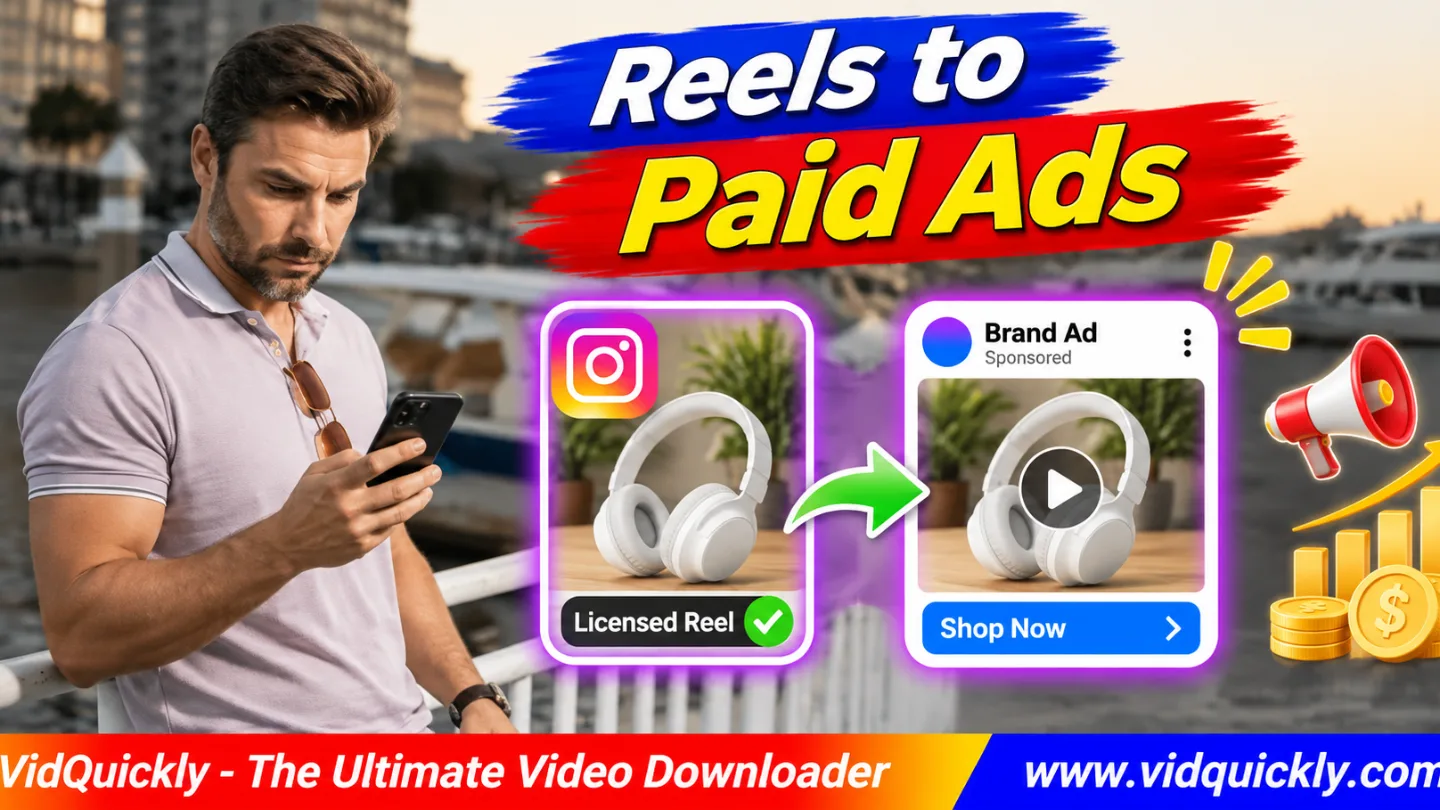
Want to repurpose Instagram Reels for ads? First, confirm that your brand has written permission for paid advertising, editing, and the intended platforms. Get the approved video files, clear music and other third-party rights, then create short ad versions with a clear hook, product benefit, and call to action.
A public Reel is not automatically licensed for commercial advertising. Even a creator's approval to repost may not cover paid campaigns.
This guide explains how to license existing Reels, turn creator videos into paid social ads, use Meta Partnership Ads when eligible, and test video creatives without misusing someone else's content.
Key Takeaways — Paid Reel Repurposing Checklist
- Confirm who owns the original Reel and its assets.
- Get written permission for paid commercial use.
- Define platforms, territories, duration, and editing rights.
- Check music, appearances, graphics, and product claims.
- Request clean source footage whenever possible.
- Build vertical ad versions with strong hooks and CTAs.
- Obtain brand and creator approval before publishing.
- Track ad performance and license expiration dates.
Can You Legally Repurpose Instagram Reels for Paid Ads?
You can repurpose Instagram Reels for ads when your business has the necessary rights and follows applicable platform and advertising rules. A creator's public Reel, a downloadable MP4, and a licensed advertising asset are three different things.
Always verify the permission before editing or launching a campaign.
Does a public Instagram Reel include commercial use rights?
No. Public visibility means people can access the Reel under Instagram's rules. It does not automatically give another business permission to copy, edit, or advertise with the content.
Giving credit also does not replace authorization.
For example, a brand cannot assume that tagging a creator makes a downloaded product review available for paid advertising.
Ask the rights holder for a written license.
What should a Reel advertising license include?
A useful agreement should identify the content and explain exactly how the brand can use it.
Check these terms:
- Content: The specific Reel, raw footage, and related assets.
- Purpose: Paid advertising, not just organic reposting.
- Platforms: Instagram, Facebook, and other approved channels.
- Duration: The start date and license expiration.
- Territory: Countries or regions where the ads may run.
- Edits: Cropping, subtitles, voiceovers, and alternate hooks.
- Identity: Use of the creator's name, voice, and likeness.
- Payment: Licensing fee, editing fee, or other compensation.
- Renewal: How the parties extend or end permission.
Also specify approvals, reporting obligations, and any restrictions on the final message.
For a detailed copyright overview, read InstaQuickly's guide to commercial Instagram reuse.
Does the creator own every part of the Reel?
Not necessarily. A creator may own the footage but have limited rights to music, stock clips, graphics, or other people's performances.
A song available for an ordinary Instagram post may not have a license covering an advertiser's campaign.
Check each important asset separately.
Replace any component that lacks the required commercial permission.
Organic Reels vs Paid Ads vs Meta Partnership Ads
Brands can reuse licensed videos through different advertising models. A new ad uploaded from the brand's account is not the same as promoting an existing creator post through Meta's Partnership Ads system.
The right approach depends on the agreement and available account features.
What is the difference between the three models?
| Model | Who Publishes | Main Requirement | Typical Use |
|---|---|---|---|
| Organic repost | Brand account | Reposting permission | Non-paid social content |
| Standard video ad | Brand advertiser | Paid commercial license | New ad creative |
| Partnership Ad | Brand with creator identity or content | Appropriate rights and Meta permissions | Creator-brand collaboration |
| Creator's own promotion | Creator or authorized advertiser | Relevant platform and content rights | Promote approved creator content |
A paid license does not automatically provide access to the creator's advertising identity.
Likewise, a Partnership Ad permission does not necessarily clear every copyright or music issue.
How do Partnership Ads work?
Meta Partnership Ads allow eligible advertisers and creators to collaborate on paid content.
Brands may promote suitable creator posts or prepare new partnership creatives through supported Meta tools.
Meta explains these options in its official creator partnership announcement.
Check account eligibility, advertising permissions, and the available setup process in Ads Manager.
Never ask a creator to share their Instagram password.
Should you boost the original Reel or create a new ad?
Boosting an existing eligible post can preserve its original content context.
Creating a separate ad gives the brand more control over the opening, captions, CTA, and tested variations.
Choose based on campaign goals, approved rights, and available features.
Do not edit a creator's endorsement into a different claim without their approval.
How to Turn Licensed Instagram Reels Into Paid Ads
To turn Instagram Reels into paid ads, collect the approved source files, define the advertising goal, edit new creative versions, and obtain final approval. Keep the licensing documents with the production files.
This workflow applies to authorized creator content and brand-owned footage.
Step-by-step Instagram video ad repurposing workflow
- Identify an existing Reel relevant to the campaign.
- Contact the creator or authorized rights holder.
- Agree on paid usage terms in writing.
- Clear music, footage, likeness, and other asset rights.
- Request original video files and approved brand assets.
- Choose a campaign objective and target audience.
- Identify the strongest product demonstration.
- Create a new opening for the intended audience.
- Add accurate benefits, subtitles, and a clear CTA.
- Export the required video versions.
- Check technical quality and commercial claims.
- Obtain brand and creator approval where required.
- Configure an eligible ad in Meta Ads Manager.
- Launch, measure, and review performance.
Keep a record of the approved final version.
If anyone changes the message after approval, check whether the agreement requires another review.
What if the original footage is unavailable?
Ask the creator for a clean export first.
If you have permission to retrieve the published media, VidQuickly's Instagram video download tool can help save an available compatible public video.
However, the file may contain compression, branding, or audio that is not licensed for advertising.
Downloading is a file-access step, not a licensing step.
How should agencies handle client video files?
Store original recordings separately from edited exports.
Use clear filenames with the creator, campaign, and version number.
Limit access to people working on the campaign.
Keep the signed license, approvals, and expiration date alongside the project.
If you offer editing as a service, see how to structure UGC editing work for brands.
This helps separate editing deliverables from commercial licensing obligations.
How to Edit UGC Reels Into Effective Paid Social Video Creative
A strong paid social video creative presents a clear problem, shows useful evidence, and gives viewers one next step. Repurposing works best when you preserve the creator's authentic message while adapting its structure for advertising.
What should you change from the organic version?
Organic Reels often depend on followers knowing the creator.
Paid ads may reach people who have never seen that person or product.
Make the first seconds understandable without extra context.
Useful changes include:
- Start with the customer problem or product result.
- Remove long greetings and unrelated introductions.
- Show the product earlier.
- Add clear subtitles and readable graphics.
- Include a balanced product benefit.
- Use a direct, accurate CTA.
- Adjust the ending for the campaign destination.
Keep the creator's original meaning intact.
Do not create misleading before-and-after comparisons.
Which creative variations should you test?
Build variations around meaningful differences rather than changing everything at once.
| Creative Variation | Main Change | What It Tests |
|---|---|---|
| Problem-first | Open with the customer pain point | Relevance |
| Demo-first | Show the product immediately | Product interest |
| Review-first | Start with creator experience | Trust |
| Comparison | Contrast suitable options | Buying decision |
| Tutorial | Explain how the product works | Education |
| CTA variation | Change the approved next step | Response |
For example, one licensed product demonstration might become a problem-first Reel and a demo-first Reel.
Keep the product claims and rights coverage consistent.
What video format should you deliver?
A 9:16 vertical canvas, often 1080 × 1920 pixels, is a practical starting point for full-screen Reels placements.
H.264 video and AAC audio in an MP4 container provide broad playback compatibility.
However, confirm the current requirements for each selected placement in Ads Manager.
Keep important words away from interface controls and potential cropping areas.
Check the final files on a real phone.
How do you prevent technical errors?
Open every exported ad before uploading.
Check the beginning, middle, and end for frozen frames, black screens, missing audio, and incorrect subtitles.
A valid .mp4 extension does not guarantee compatible encoding.
For deeper diagnosis, read how to fix Instagram MP4 codec problems.
Keep an approved master file so you can create new delivery versions without repeatedly compressing a downloaded Reel.
How to Clear Music, Testimonials and Advertising Claims
Commercial rights clearance must cover more than the video file. Music, creator testimonials, product demonstrations, and third-party artwork can create separate obligations even when the footage itself has a valid license.
Review them before launching any paid campaign.
Can you keep Instagram's trending music in a paid ad?
Do not assume so.
A music track available inside Instagram's organic Reels editor may have use restrictions that differ from paid advertising.
Ask whether the track is cleared for your specific campaign.
If not, replace it with music that has an appropriate commercial advertising license.
Keep proof of the permitted usage and license duration.
Can you edit a creator testimonial?
Only within the approved scope.
Shortening a genuine review may be acceptable when the agreement permits editing and the meaning stays accurate.
Do not turn a qualified statement into an absolute promise.
For example, changing "This worked well for my small desk" into "This works for everyone" misrepresents the original review.
Get new approval for material changes.
Do affiliate or branded-content Reels need extra checks?
Yes. Affiliate content can contain disclosure obligations, product claims, and commission relationships.
A creator's original disclosure may not fully describe a new brand advertising arrangement.
Review applicable advertising laws and Meta policies before publishing.
For the difference between product commissions and brand advertising, read how Instagram product Reels support affiliate sales.
A commission arrangement does not automatically include permission to run paid ads.
How to Launch, Measure and Manage Licensed Reel Ads
A licensed Reel becomes a useful advertising asset only when the campaign meets its legal, creative, and technical requirements. Launch a small, measurable test and check the license before expanding to new placements or markets.
What should you check before launching?
- Confirm that the commercial license is active.
- Verify the approved platforms and territories.
- Check creator and Partnership Ad permissions where relevant.
- Confirm that music and other third-party assets are cleared.
- Review disclosures and product claims.
- Select the correct ad objective and placements.
- Upload the approved video versions.
- Preview each placement for cropping and text coverage.
- Check the destination page and tracking.
- Submit the campaign for platform review.
Ad approval does not replace copyright permission.
A platform may approve a creative that still falls outside a private licensing agreement.
Which metrics should you monitor?
Track results connected to the campaign objective:
- Impressions: How often the ads appear.
- Hook or early-view retention: Initial viewer attention.
- Click-through rate: Response to the ad and CTA.
- Cost per click: Cost of recorded traffic.
- Conversion rate: Qualifying actions relative to tracked visits.
- Cost per acquisition: Spend divided by attributed acquisitions.
- Return on ad spend: Attributed revenue divided by ad spend.
Attribution windows, reporting settings, and privacy restrictions affect these figures.
Do not promise a particular return before running the campaign.
How can you manage license renewal?
Maintain a simple rights register for each asset.
Record the creator, Reel URL, platforms, territories, start date, expiration date, approved edits, and contact person.
Review active campaigns before the rights expire.
Pause or replace ads when permission ends unless a valid renewal covers continued use.
Keep the final approved exports and agreement together.
Can you use the same Reel for Facebook Ads?
Yes, if the agreement permits Facebook advertising and the video meets the placement requirements.
Do not assume an Instagram-only license also covers Facebook.
For compatible Facebook-hosted videos that you are authorized to retrieve, VidQuickly's Facebook video download tool may help with reference or backup copies.
Use clean source footage whenever possible, and confirm separate platform permissions before launching.
Responsible use: Save public videos for offline personal research and educational purposes only when you have permission or another lawful basis. Commercial advertising requires suitable rights to the footage and all relevant assets. Respect copyright, music licenses, creator consent, privacy, advertising disclosures, and platform rules. This guide provides general information, not legal advice.
Conclusion: Repurpose Licensed Reels With Clear Rights and Better Creative
To repurpose Instagram Reels for ads, begin with permission, not the download button. Confirm paid usage rights, request original footage, and clear music, likeness, and other third-party assets before editing.
Then create ad-focused versions with stronger openings, accurate benefits, readable captions, and a clear CTA. Choose between standard video ads and eligible Partnership Ads based on your campaign and available permissions.
Test performance, record approvals, and monitor license expiration dates.
VidQuickly can help retrieve compatible public videos you are authorized to save, but commercial success depends on responsible licensing, strong creative work, and measured results.
Frequently Asked Questions About Repurposing Instagram Reels for Ads
Can I turn someone else's Instagram Reel into a Facebook ad?
Yes, when you obtain the necessary commercial rights for Facebook advertising and clear relevant third-party assets. Public access or a download does not grant those rights automatically.
Is permission to repost an Instagram Reel enough for paid ads?
Not necessarily. Organic repost permission may exclude paid promotion, editing, territories, or commercial distribution. Request a license that clearly covers your intended advertising campaign.
What is the difference between a Partnership Ad and a standard video ad?
A standard ad usually runs through the brand's advertising identity. A Partnership Ad uses Meta's supported creator-brand collaboration features and requires appropriate account permissions and content rights.
Can I use trending Instagram music in paid advertisements?
Do not assume organic music availability includes advertising rights. Check the specific music license and replace any track that is not cleared for commercial campaigns.
Can brands edit licensed UGC videos?
Yes, when the license permits the intended edits. Keep the creator's message accurate and obtain approval for significant changes when the agreement requires it.
What is the best format for Instagram Reel ads?
A vertical 9:16 MP4 is a practical starting point. H.264 video and AAC audio offer broad compatibility, but confirm current technical requirements for each selected Meta ad placement.
Can VidQuickly provide a commercial license for downloaded Reels?
No. A downloader provides access to compatible media, not ownership or advertising rights. Obtain permission from the relevant rights holders before using the video in paid campaigns.


