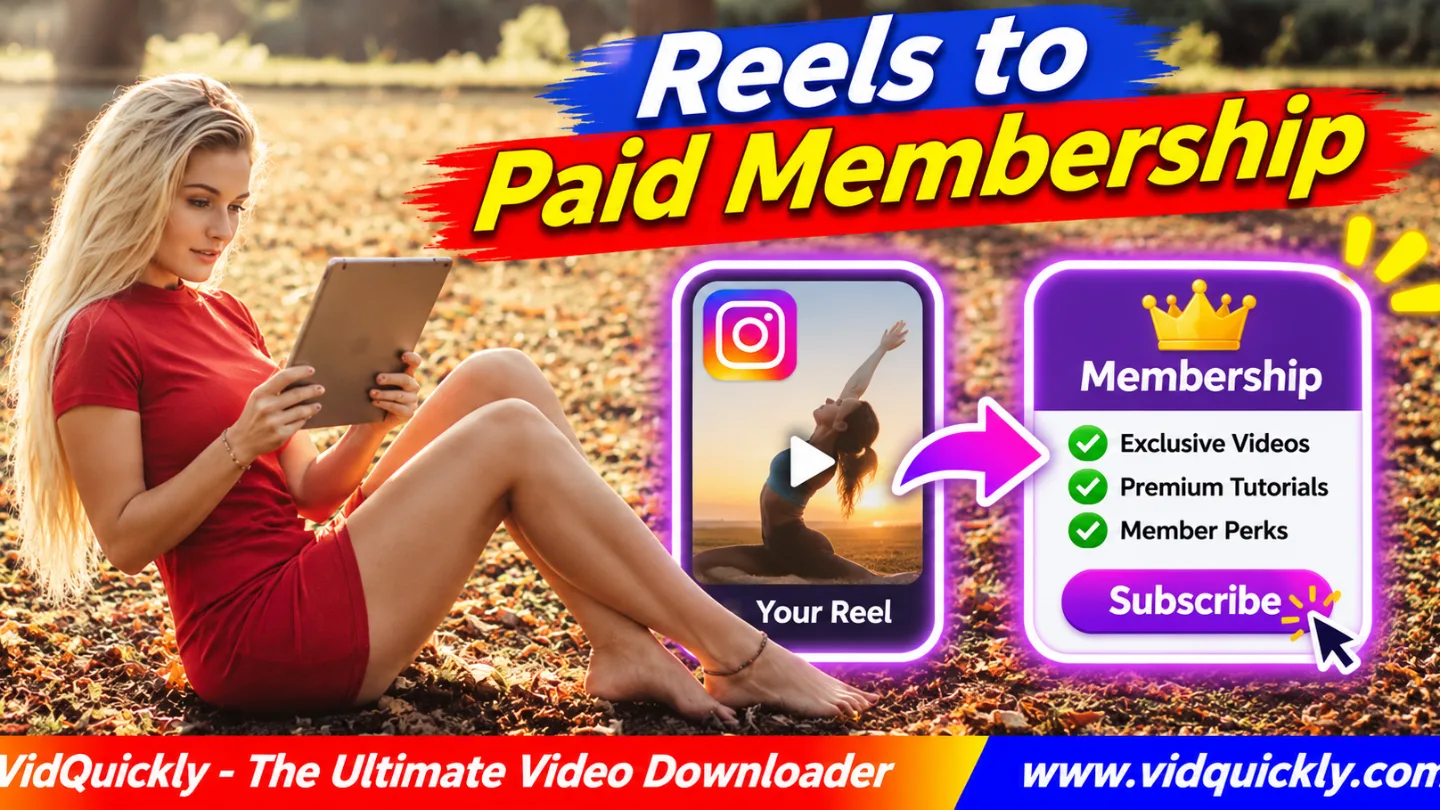
An Instagram Reels subscription funnel turns free video viewers into paying members. Publish useful Reels, offer a clear reason to join, direct interested followers to an eligible Instagram Subscription or external membership page, and deliver valuable exclusive content every month.
You do not earn recurring income simply because a Reel gets views. People must understand the membership benefits, complete registration, and choose to keep paying.
This guide explains how to select a subscription model, repurpose your own Reels, create member benefits, build a signup journey, and measure conversions and retention without promising guaranteed income.
Key Takeaways — Subscription Funnel Checklist
- Choose a specific audience and recurring problem.
- Define benefits that justify monthly membership.
- Compare Instagram Subscriptions with external platforms.
- Use public Reels to demonstrate your expertise.
- Offer a useful preview of subscriber-only value.
- Create a simple path to membership signup.
- Deliver exclusive content on a realistic schedule.
- Track new members, cancellations, and retention.
What Is an Instagram Reels Subscription Funnel?
An Instagram Reels subscription funnel is a process that moves viewers from free short videos to a paid membership. The creator provides useful public content, explains the benefits of joining, and gives subscribers access to ongoing value.
Unlike a one-time purchase, membership requires continued delivery and support.
How does a Reel become a paid subscription?
A Reel usually introduces one topic or solves one small problem.
For example, a photographer might share a free lighting tip, then offer members monthly editing lessons, feedback sessions, and downloadable resources.
The Reel creates interest. The membership provides continued help.
A simple funnel looks like this:
Public Reel → Free Preview → Membership Page → Paid Signup → Member Benefits → Renewal
The free preview is optional, but it can help people understand what they will receive.
How is membership different from selling digital products?
Digital products usually involve a single purchase of an ebook, template, or course.
A membership normally offers ongoing access, regular content, or community benefits in exchange for recurring payments.
You can combine both models.
For a one-time sales workflow, see how tutorial Reels sell digital products.
Do not sell the same unchanged file as a monthly membership without clearly explaining the arrangement.
Do you need a large Instagram following?
No follower count guarantees subscription sales.
A focused audience with a recurring need may be more valuable than a large audience interested only in free entertainment.
Start by studying the questions people ask repeatedly.
A useful membership should solve those problems over time.
Instagram Subscriptions vs Patreon: Which Should You Choose?
You can monetize Instagram Reels with subscriptions through eligible Instagram features or an external membership service. The right choice depends on eligibility, fees, customer experience, access controls, and the benefits you want to provide.
How do Instagram Subscriptions work?
Instagram Subscriptions allow eligible creators to offer special content and experiences to paying followers.
Meta has introduced features such as subscriber-only Reels, posts, chats, and exclusive profile content.
See Meta's explanation of Instagram subscriber features.
Availability and specific tools can vary by account and location.
Check your Professional Dashboard for the features currently offered to you.
Can you use Instagram Reels to grow Patreon?
Yes. A public Reel can introduce your teaching, creative work, or community before guiding viewers toward a Patreon membership page.
You can use an approved profile link and a clear CTA.
Patreon manages membership plans and access according to its current features and settings.
Test the mobile signup experience before publishing promotional Reels.
Instagram Subscriptions vs External Memberships
| Feature | Instagram Subscriptions | External Membership |
|---|---|---|
| Main discovery | Instagram audience | Instagram and other channels |
| Eligibility | Instagram account requirements | Provider requirements |
| Exclusive content | Supported Instagram features | Platform-dependent benefits |
| Community tools | Instagram-specific | Provider-dependent |
| Payment management | Instagram's supported system | External provider |
| Custom membership page | Limited by Instagram features | Often more flexible |
| Audience portability | Platform-dependent | Depends on data and export tools |
| Best fit | Instagram-first creators | Broader content and community programs |
Review current fees, taxes, payout eligibility, and cancellation rules before selecting a service.
Neither model guarantees that followers will become paying members.
Which model should beginners use?
Choose the simplest option that supports your promised benefits.
If your audience mainly wants exclusive Reels and Instagram interaction, eligible native Subscriptions may be convenient.
If you need downloadable lessons, longer resources, or community tools outside Instagram, compare external providers.
Avoid launching memberships on several platforms before you can maintain one successfully.
How to Repurpose Your Instagram Reels for Paid Members
To repurpose Reels for subscribers, separate content that attracts new viewers from content that gives members deeper value. Use your own source footage, build connected lessons, and create a clear reason to continue learning.
Which existing Reels work best?
Review videos that show strong interest in a repeatable topic.
Look for:
- Tutorials with follow-up questions.
- Educational series with connected lessons.
- Product demonstrations that need deeper explanation.
- Creative processes with useful behind-the-scenes steps.
- Videos that viewers save for later.
- Reels that lead to requests for feedback or resources.
A viral Reel is not automatically a strong membership topic.
Recurring questions often provide better clues about long-term demand.
How do you create a free-to-paid content sequence?
- Choose a problem your audience faces regularly.
- Select three existing Reels about that problem.
- Keep the most useful short lesson public.
- Identify what viewers need to learn next.
- Create a deeper subscriber lesson.
- Add a worksheet, example, or practical exercise.
- Prepare an honest membership preview.
- Publish the free Reel with a clear invitation.
- Link to the correct membership destination.
- Review feedback before creating the next series.
For example, a free drawing Reel might teach basic shading.
The member lesson could include full demonstrations, printable exercises, and monthly feedback.
Should you download your old Reels again?
Use your original camera recordings and editing projects whenever possible.
Downloaded Instagram videos may contain compressed media, missing licensed audio, or permanent text overlays.
For your own compatible public Reels, VidQuickly's Instagram video download tool may help recover an available MP4.
Check the saved file before editing.
For additional preparation guidance, read how to save your own Reels for editing.
Do not rely on downloaded versions as your only source archive.
How to Build a Membership Offer That People Understand
A successful Instagram paid membership needs a clear promise, realistic content schedule, and benefits that members can actually use. Explain exactly what subscribers receive and how often they will receive it.
Avoid vague offers such as "exclusive access to everything."
What benefits can you offer subscribers?
Choose benefits that fit your skills and available time.
Examples include:
- Extended tutorial videos.
- Monthly question-and-answer sessions.
- Downloadable worksheets or templates.
- Behind-the-scenes production lessons.
- Feedback on member submissions.
- Private community discussions.
- Early access to new educational series.
Make sure each benefit can be delivered consistently.
A small membership with reliable content is better than an ambitious offer you cannot maintain.
Should you create several pricing tiers?
Begin with one clearly defined tier if you are uncertain about demand.
Multiple tiers can work when the benefits differ in meaningful ways.
For example, one plan might provide exclusive lessons, while another adds limited personal feedback.
Calculate the time required for high-touch benefits.
Do not promise unlimited personal help at a price that cannot support it.
How do you set a fair monthly price?
Estimate production time, platform fees, support costs, and the value provided.
Review comparable offers, but avoid treating another creator's price as a universal standard.
Your price should support consistent delivery.
Describe billing frequency, access rules, cancellations, and any trial conditions clearly.
Do not promise that membership revenue will increase every month.
How to Turn Reel Viewers Into Paying Subscribers
An Instagram paid community funnel should make the next step easy to understand. Show the value publicly, explain what members receive, and link to a clear signup page without pressuring people.
A good funnel builds trust before asking for payment.
What should your public Reel CTA say?
Use a CTA that matches the lesson.
For example:
"Want the complete worksheet and monthly lessons? See membership details in my profile."
Avoid confusing viewers with several unrelated offers.
Check which link and subscription features your account supports.
Not every Reel provides the same clickable external-link options.
How do you build an effective membership page?
Explain the membership in simple language.
Include:
- Who the membership helps.
- Specific benefits and delivery frequency.
- Sample lessons or content previews.
- Monthly price and billing currency.
- Cancellation and refund conditions.
- Supported devices or file formats.
- Community rules and contact details.
Keep signup steps short.
Test the page on a mobile phone because many viewers will arrive from Instagram.
How do you welcome new subscribers?
- Confirm that the membership payment completed.
- Provide access through the chosen platform.
- Send a short welcome message.
- Explain where members can find their benefits.
- Share the current content schedule.
- Highlight a useful first lesson.
- Provide support instructions.
- Ask for feedback after members have used the content.
This is subscriber onboarding.
A good welcome experience reduces confusion and helps members receive value quickly.
Can you use Reels from other platforms?
Yes, when you own the videos and hold the necessary rights.
Adapt public tutorials for each platform while linking to the appropriate membership page.
For compatible authorized TikTok content, VidQuickly's TikTok video download tool can help save reference media.
Keep original files for commercial repurposing.
How to Measure Membership Growth and Keep Subscribers
Membership success depends on both new signups and existing members choosing to renew. Track the full journey from Reel views to paid access, useful participation, and continued membership.
Which subscription funnel metrics matter?
| Metric | Meaning | What to Improve |
|---|---|---|
| Reel views | Content exposure | Topic and opening |
| Profile visits | Interest in creator | Profile message |
| Membership page visits | Potential buyers | CTA and link |
| Paid signups | New members | Offer and checkout |
| Signup conversion rate | Signups divided by page visits | Page clarity |
| Active subscribers | Current paying members | Ongoing value |
| Churn rate | Members lost during a period | Retention |
| Recurring revenue | Subscription revenue over time | Sustainable delivery |
Use consistent dates when comparing results.
Platform reporting methods and payment timing can differ.
How do you calculate subscriber churn?
Choose a monthly measurement period.
A simple member-count churn formula is:
Monthly Churn Rate = Members Lost During the Month ÷ Members at the Start of the Month × 100
For example, losing 5 members from a starting group of 100 gives 5% churn.
This is a hypothetical example.
Use the same definition each month and distinguish cancellations from failed payments where your platform allows it.
How can you improve retention?
Deliver promised benefits on schedule.
Ask members which lessons they use and what they need next.
Create connected learning paths so subscribers know where to begin.
Review support requests and cancellation feedback without pressuring people to stay.
A valuable membership gives people a reason to renew, not a reason to feel trapped.
How can you reduce production workload?
Batch-record related lessons and reuse your own approved footage.
Maintain templates for subtitles, thumbnails, and lesson descriptions.
Keep clean project files so you can produce new material without rebuilding every video.
If you need help, read how freelance Reels editing supports creators.
Budget for editing work before promising a demanding membership schedule.
Responsible use: Save public videos for offline personal research and educational purposes only when you have permission or another lawful basis. Publish paid member content only when you own or have the required rights to footage, music, graphics, and other assets. Respect copyright, customer privacy, consumer protection laws, billing rules, and platform policies.
Conclusion: Build a Membership Worth Renewing
An Instagram Reels subscription funnel works when free videos demonstrate your expertise and paid membership provides useful ongoing value. Choose a specific audience, create a clear membership offer, and connect your public Reels to an eligible Instagram Subscription or external signup page.
Use original footage, set a sustainable content schedule, and test member access before promoting your offer. Track paid signups, cancellations, and retention rather than relying only on views.
VidQuickly can help save compatible public videos you are authorized to keep, but recurring revenue depends on trustworthy content, reliable delivery, and members who choose to stay.
Frequently Asked Questions About Instagram Reels Membership Funnels
Can you make money from Instagram Reels through subscriptions?
Yes. Eligible creators can offer paid member benefits through Instagram Subscriptions or external platforms. Income depends on actual paid signups, fees, cancellations, and continued membership.
Does every Instagram account have the Subscribe button?
No. Instagram Subscriptions depends on account and regional eligibility. Check your Professional Dashboard and current platform requirements before planning a native subscription launch.
Can I send Instagram Reel viewers to Patreon?
Yes. You can use an available profile link and clear CTA to guide interested viewers toward your Patreon creator page. Test the complete mobile signup process.
What content should paying Instagram members receive?
Offer meaningful benefits such as deeper lessons, exclusive Reels, worksheets, community discussions, or regular feedback. Choose content you can deliver consistently.
Should I sell a course or start a paid membership?
Sell a course when customers need a defined learning product. Consider membership when people need continuing lessons, support, updates, or community access.
How many Reels should I post to grow subscriptions?
There is no guaranteed posting number. Choose a schedule you can maintain, test useful topics, and measure membership page visits and paid signups.
Can I reuse other creators' Reels inside paid membership content?
Only with appropriate commercial rights or another lawful basis. Public access and downloading do not automatically grant permission to redistribute videos in a paid community.


