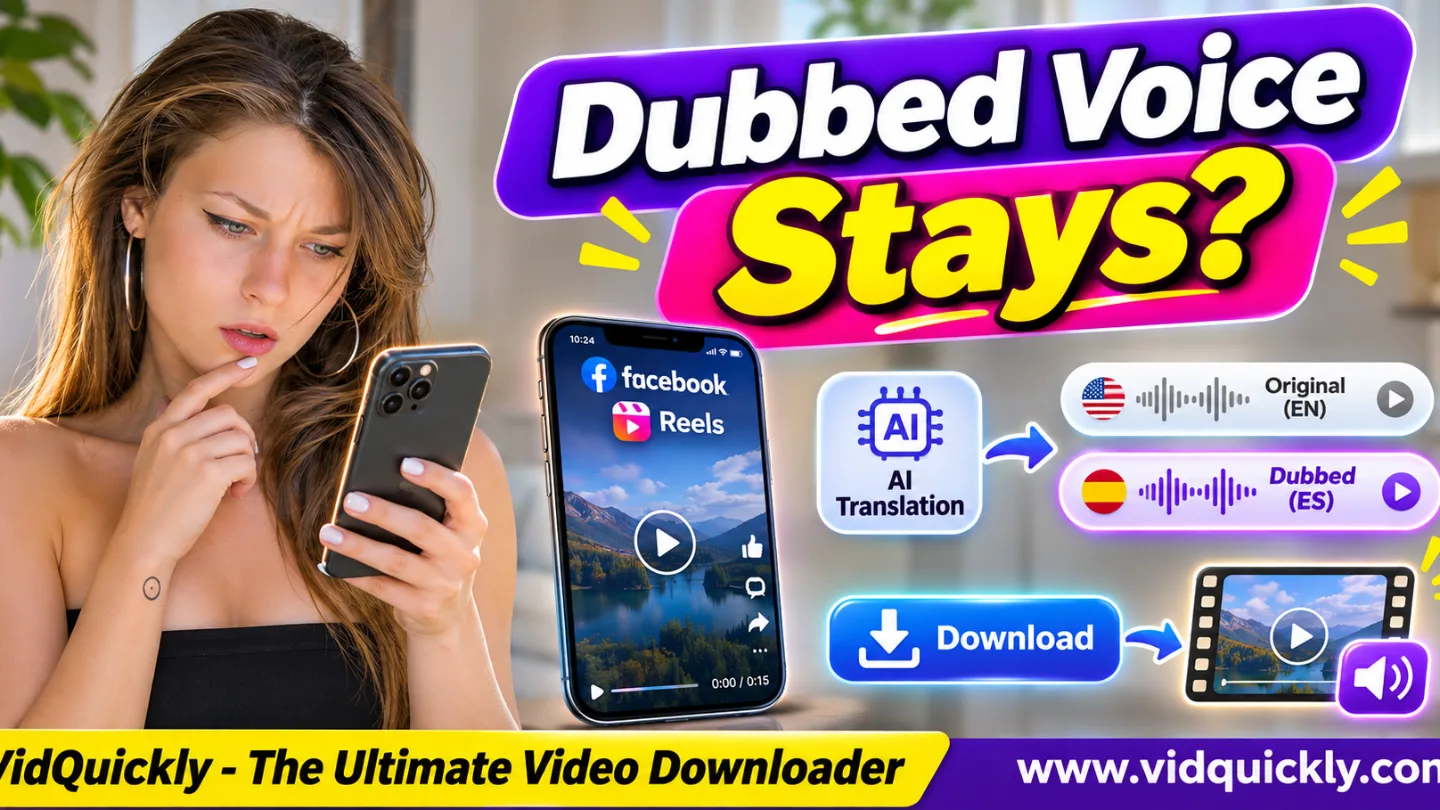
A Facebook Reels AI translation download does not always keep the dubbed voice you hear while watching. Facebook can play an AI-translated audio version inside its app, but a downloaded MP4 may contain the original language, a translated soundtrack, or no usable audio, depending on the media file provided.
The label "Translated with Meta AI" confirms that Facebook is showing an AI-translated Reel. It does not confirm which audio version a download contains.
To find out, compare the Reel's original and translated playback, download an authorized copy, and listen to the MP4 outside Facebook. This guide explains AI dubbing, lip sync, language settings, and practical audio checks.
Key Takeaways:
- Facebook AI translation can create dubbed speech in another language.
- The "Translated with Meta AI" label identifies translated playback.
- Hearing a dubbed voice does not guarantee a dubbed MP4 download.
- Facebook lets viewers choose the original language when available.
- AI lip sync and translated audio are different media features.
- An MP4 usually contains the audio streams included in that file.
- Check the downloaded file with a player and FFprobe.
- Save or reuse only recordings and translations you have rights to use.
Does Downloading a Facebook AI-Translated Reel Keep the Dubbed Voice?
Not necessarily. A Facebook Reel may play with AI-translated speech, while the downloaded MP4 contains the creator's original audio. The result depends on which media version the download method actually retrieves.
Facebook's playback experience and a local video file are not the same thing.
Meta can provide translated audio to eligible viewers based on available languages and playback settings. A downloaded file may use a different media representation.
Consider this example:
- A creator records a Reel in English.
- A viewer hears Meta AI dubbing in Spanish.
- The viewer downloads an eligible MP4.
- The MP4 plays in English outside Facebook.
This outcome is possible because the downloaded media does not necessarily include the audio selected during Facebook playback.
The opposite result is also possible if the supplied file contains translated audio.
Important: Meta has not established a universal rule that every downloaded Reel includes either the original or translated soundtrack. Test the actual file instead of assuming.
How Facebook Reels AI Translation and Lip Sync Work
Meta AI translation can translate spoken content, generate dubbed speech, and optionally adjust visible lip movements. These features help creators reach audiences who speak different languages, but they do not automatically create a downloadable multilingual video package.
What is Facebook Reel AI dubbing?
AI dubbing replaces or presents spoken content in another language.
Meta AI aims to preserve the creator's voice style and tone while generating translated speech.
For example, a creator may speak English in the original recording while an eligible viewer hears Spanish.
This is different from ordinary subtitles.
Subtitles show text, while dubbing changes the audio that the viewer hears.
What does "Translated with Meta AI" mean?
The label tells viewers that Meta AI has translated the Reel.
It helps distinguish translated playback from the original recording.
However, the label does not tell you:
- Which audio codec the MP4 uses.
- Whether the downloaded file includes the dubbed voice.
- Whether multiple language tracks exist.
- Whether the lip-synced picture is included in a downloaded copy.
- Whether the translated audio is available as a separate file.
The label describes the viewing experience, not the technical contents of a downloaded MP4.
Does AI lip sync change the downloaded video?
Meta's optional lip-sync feature adjusts visible mouth movements to better match translated speech.
This is a visual feature, not simply another audio track.
If a downloaded file uses the original picture, it may not include the translated lip movements you saw online.
A file must actually contain the relevant visual version for those changes to appear offline.
Meta explains these features in its official article, Discover Reels From Around the World With Meta AI Translation.
Original audio vs translated audio vs lip sync
| Feature | What Changes? | Guaranteed in Downloaded MP4? |
|---|---|---|
| Original audio | Creator's recorded speech | No universal guarantee |
| AI-dubbed audio | Spoken language and generated voice | No |
| AI lip sync | Visible mouth movements | No |
| Translated label | Facebook playback information | No |
| Translated subtitles | Displayed text, if available | No |
Always check the file itself before making claims about its contents.
How to Switch Between Original and Translated Facebook Reel Audio
Facebook provides language controls that can let viewers hear the original speech instead of AI dubbing. The exact menu may vary by device, account, and app version, but Meta describes a "Don't translate" option within the Reel's audio and language settings.
Listen to the original language
- Open the translated Reel in Facebook.
- Confirm that it shows "Translated with Meta AI."
- Open the Reel's three-dot menu.
- Find the audio and language settings.
- Select Don't translate, if available.
- Replay the Reel.
- Listen for the creator's original speech.
The menu wording or location may change with Facebook updates.
If you cannot find the setting, check your app version and available language preferences.
Compare the original and dubbed versions
Use a short sentence that clearly differs between the two languages.
For example:
- Original English: "This product is easy to use."
- Translated Spanish: "Este producto es fácil de usar."
Listen to the same moment in both playback modes.
Do not rely only on the speaker's voice tone. Meta AI may imitate the creator's vocal style, making both versions sound similar.
Also check whether lip movements change when you switch playback language.
This comparison helps identify the online versions before testing a downloaded file.
How to Check Whether a Downloaded Facebook Reel Has AI-Dubbed Audio
The most reliable test is to play the downloaded MP4 outside Facebook and compare its speech with the original and translated versions. Checking the file's audio streams can confirm their presence, but technical metadata alone cannot identify the spoken language reliably.
Step 1: Prepare a controlled Facebook Reel test
- Choose a Reel you own or have permission to download.
- Confirm that Facebook offers an AI-translated version.
- Write down the original spoken language.
- Select a translated playback language.
- Note a sentence near the beginning.
- Switch to the original language and compare it.
Use the same Reel for every test.
Do not compare two separately published videos because their audio may differ for other reasons.
Step 2: Download an eligible MP4
- Copy the Reel's link.
- Open the Facebook Reel media saving service.
- Paste the link.
- Review the available download options.
- Choose an eligible MP4 version.
- Save the file.
- Open it outside Facebook.
VidQuickly's available options depend on the source media. An audio-language selector should not be assumed unless the service explicitly provides one.
Step 3: Identify the downloaded voice
Play the same sentence you checked inside Facebook.
Compare:
- The original spoken language.
- The AI-translated spoken language.
- The downloaded MP4's spoken language.
- Whether the downloaded file has sound.
- Whether the video picture shows translated lip movements.
Record your findings.
For example:
Original Reel language: English
Facebook translated playback: Spanish
Downloaded MP4 audio: English
Downloaded MP4 video: Original picture
Result: Dubbed playback not preserved
This is an example of a possible result, not a claim about every Facebook download.
Step 4: Inspect the MP4 with FFprobe
Run:
ffprobe -v error \
-show_entries stream=index,codec_type,codec_name:stream_tags=language \
-of json "facebook-reel.mp4"
A file might report:
{
  "streams": [
    {
      "index": 0,
      "codec_name": "h264",
      "codec_type": "video"
    },
    {
      "index": 1,
      "codec_name": "aac",
      "codec_type": "audio"
    }
  ]
}
This example shows one video stream and one AAC audio stream.
It does not prove whether the speech is English, Spanish, or another language.
Language metadata may be missing or incorrect. Listen to the file to confirm.
If the downloaded Reel has no audio at all, follow these Facebook Reel missing sound troubleshooting steps.
Why the Dubbed Voice May Disappear After Downloading
The dubbed voice may disappear because Facebook's player can present translated media that the downloaded file does not contain. Other causes include selecting a different media version, downloading an incomplete file, or confusing subtitles with dubbed audio.
Cause 1: The MP4 contains original audio
An MP4 can contain an original audio stream even when Facebook plays a translated version online.
Downloading the original media does not automatically add AI dubbing.
What to do: Compare the downloaded speech with the original Reel. If they match, the file contains the original language.
Cause 2: The downloader receives a different media version
Facebook can deliver media through different playback representations.
A third-party download service may obtain a version that differs from the one currently playing in your app.
What to do: Check the available media options and avoid assuming that your selected Facebook playback language controls the download.
Cause 3: The downloaded MP4 has no usable audio
A file may contain video without its matching audio stream.
This can happen with incomplete media retrieval or file problems.
What to do: Open the file in another player and inspect its audio stream with FFprobe.
Cause 4: Subtitles are mistaken for dubbing
Translated captions do not mean the audio has changed.
A viewer may see translated text while hearing the original speech.
What to do: Listen carefully and check whether Facebook displays the AI translation label.
Cause 5: The selected translation is unavailable
Meta AI translation availability varies by language, region, creator eligibility, and rollout stage.
A language that works for one Reel may not be available for another.
What to do: Check the available language options for that specific Reel.
Playback vs downloaded file
| Situation | Facebook Playback | Possible MP4 Result |
|---|---|---|
| Original language selected | Original speech | Original audio |
| AI translation selected | Dubbed speech | Original or dubbed audio |
| AI lip sync enabled | Adjusted mouth movements | Original or adjusted picture |
| Captions displayed | Text appears on screen | Captions may be absent |
| Separate audio representation | Audio plays normally | File may lack audio |
These are possible outcomes, not confirmed behavior for every Facebook Reel or download method.
Which Languages Does Facebook Reels AI Translation Support?
Meta has expanded AI translation beyond its first English-Spanish rollout. Language support differs between Facebook and Instagram, and a newly announced language may not be available to every user immediately.
Meta's earlier supported languages included:
- English.
- Spanish.
- Hindi.
- Portuguese.
- Bengali.
- Tamil.
- Telugu.
- Marathi.
- Kannada.
In June 2026, Meta announced plans to expand Facebook Reel translations to:
- Arabic.
- Bahasa Indonesian.
- French.
- Thai.
- Vietnamese.
These additions were announced as an upcoming expansion, so their availability should be checked in the actual Facebook interface.
Meta also announced additional languages for Instagram in July 2026. Do not assume that every Instagram translation language is available on Facebook at the same time.
How can creators preserve their own multilingual Reels?
For reliable backups, creators should keep the original recording and any translated versions they have legitimately exported.
Useful files include:
- Original video master.
- Original voice recording.
- Approved translated audio, if export is available.
- Subtitle and transcript files.
- Editing project.
- Rights and permission records.
If you need to create new marketing clips from recordings you own, follow this Facebook Live repurposing workflow for Reels.
Do not assume Facebook provides a separate downloadable dubbed-audio file for every translated Reel.
For authorized audio editing, this Facebook video audio extraction and conversion guide explains MP3, M4A, and source-quality limits.
For eligible Instagram recordings, the Instagram Reel video saving option can support a separate backup workflow. Its download results also require verification.
Legal and safety disclaimer: Download, extract, edit, or reuse only videos and audio you own, have permission to use, or have another lawful basis to access. AI translation does not remove copyright, voice, privacy, or music licensing obligations. Respect Meta's terms and do not bypass access restrictions.
Frequently Asked Questions
Does a Facebook Reels AI translation download include the dubbed voice?
Not always. The downloaded MP4 may contain the original audio or another available media version. Play the file outside Facebook to confirm which language it contains.
Why does my downloaded Facebook Reel speak the original language?
The download may contain the original audio stream rather than the AI-translated version selected during Facebook playback. The online language setting does not guarantee a matching downloaded soundtrack.
Can I save a Facebook Reel with Meta AI dubbing?
Only if an authorized export or download provides the dubbed media. Hearing a translation inside Facebook does not establish that the translated audio is separately downloadable.
Does Facebook AI lip sync remain in a downloaded MP4?
Not necessarily. Lip sync changes the visual presentation. The downloaded file must include that adjusted video version for the effect to remain visible offline.
How do I turn off AI translation on Facebook Reels?
Open the Reel's three-dot menu, find audio and language settings, and select Don't translate when available. The exact controls may vary by account and app version.
Can FFprobe detect the language of Facebook AI dubbing?
FFprobe can identify audio streams and available language tags, but those tags may be absent or inaccurate. Listening to the speech is the simplest way to confirm the actual language.
Can I reuse an AI-dubbed Facebook Reel in my marketing videos?
Only if you have the necessary rights and permissions for the video, voice, music, and translated material. A downloadable file does not automatically grant commercial reuse rights.
Conclusion: Check the Audio File, Not Just Facebook Playback
A Facebook Reels AI translation download does not guarantee that the MP4 will keep the dubbed voice. Meta AI can change the language and lip movements during playback, while the downloaded media may contain a different version.
Check the "Translated with Meta AI" label, compare original and translated speech, and play the downloaded file outside Facebook.
Use FFprobe to inspect audio streams, but listen to confirm the actual language.
For recordings you own or can legally save, VidQuickly can help obtain eligible media when supported. Always verify the result and keep your original files before editing or sharing.


