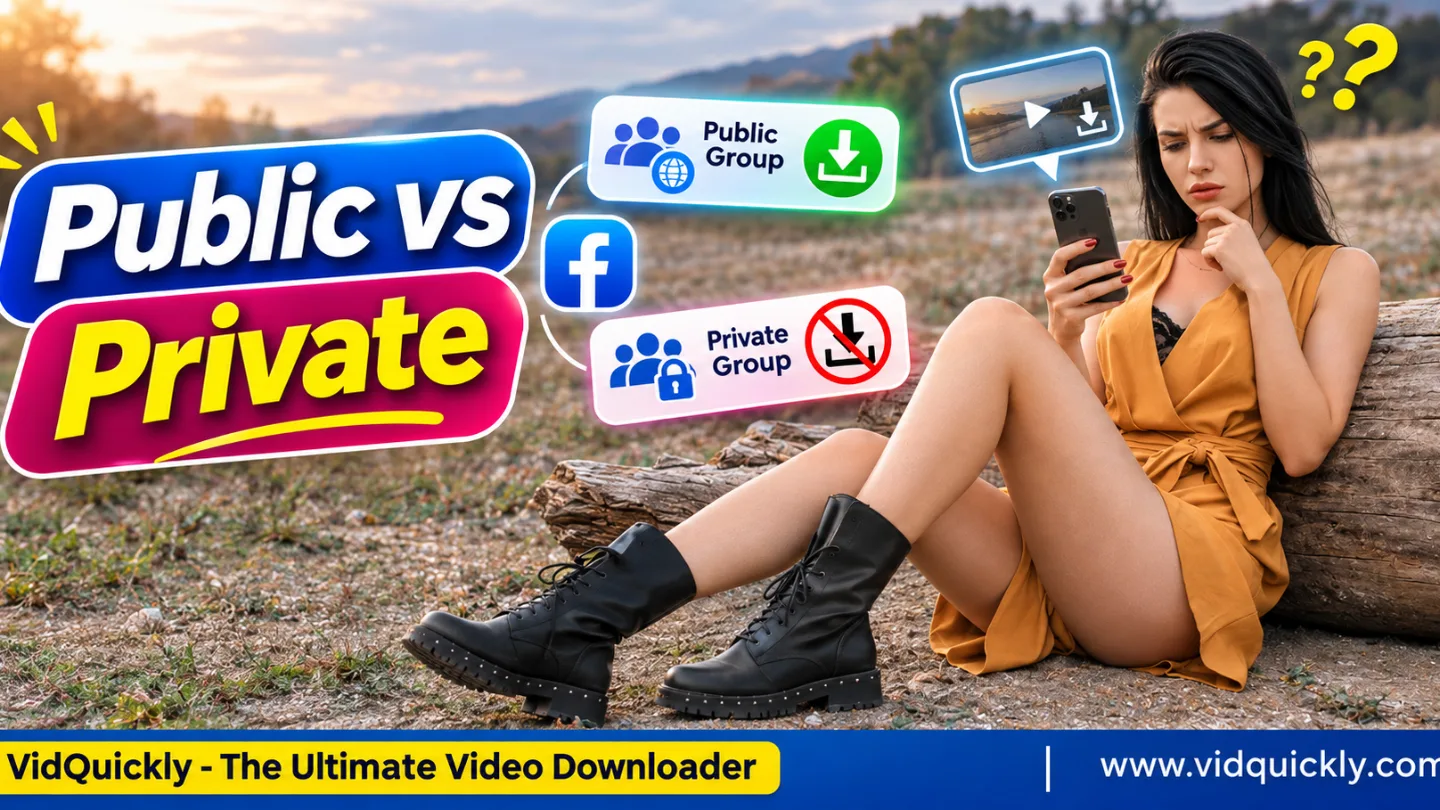
Why Can't You Download Videos From Some Facebook Groups? Public vs Private Access Explained
You cannot download videos from some Facebook groups because group privacy settings and video permissions control who can access the content. Your Facebook account may have permission to watch a video, but an external downloader may not have the same access.
This often happens with private groups, members-only videos, and posts that require Facebook authentication.
Even public group videos may become unavailable when creators delete their posts or restrict the original content.
This guide explains public and private Facebook group video permissions, why downloads fail, and how to save your own videos or obtain authorized copies from the original uploader.
Key Takeaways:
- Public Facebook group videos are generally visible to non-members.
- Private group videos normally require active group membership.
- Permission to watch a video does not automatically include permission to download it.
- A valid Facebook group video URL does not guarantee media access.
- Older private posts may remain restricted after a group becomes public.
- Deleted videos cannot normally be recovered through a downloader.
- Request the original file when Facebook restricts video downloads.
What Is the Difference Between Public and Private Facebook Group Videos?
Public Facebook groups generally allow people outside the group to view published content. Private groups restrict content to authorized members, which means external video downloaders may not have permission to retrieve the original video or its media streams.
Facebook separates group privacy from group visibility.
Privacy controls who can see posts. Visibility controls who can find the group.
| Group Type | Viewing Permission | Download Limitations |
|---|---|---|
| Public group | Members and non-members | Downloads may work if the media is accessible and authorized |
| Private visible group | Authorized members | External downloaders may lack access |
| Private hidden group | Authorized members | Restricted content access and limited group discovery |
| Recently converted public group | Public access to new posts | Older private videos may remain restricted |
| Public group sharing a private post | Depends on the original post audience | Original video restrictions still apply |
| Deleted or removed group post | No normal viewing access | Standard downloaders cannot retrieve removed content |
Can anyone download videos from public Facebook groups?
Public group videos generally offer wider viewing access, but public visibility does not guarantee download permission or technical compatibility. Copyright, original post settings, media availability, and Facebook's platform rules can still limit how people save these videos.
For an accessible video that you have permission to download, use a compatible online Facebook group video downloader.
Always check the original content before starting the download.
What happens when a private Facebook group becomes public?
Changing a private group to public does not automatically make its older videos accessible to everyone. Facebook protects content that members originally shared under private group settings, even after administrators complete the privacy change.
In November 2025, Meta announced new Facebook group privacy controls.
Under these controls:
- New posts can reach a public audience.
- Previously private posts retain restricted visibility.
- Former private-group content remains available to eligible existing members, administrators, and moderators.
- New members do not automatically gain access to all earlier private content.
This explains why a currently public Facebook group may still contain videos that an external downloader cannot access.
Why Can't I Download Facebook Group Videos Even When I Can Watch Them?
Your Facebook account may have permission to view members-only videos because Facebook recognizes your identity and group membership. An external downloader operates through a different connection and does not automatically receive the same viewing permissions.
Three separate factors determine whether you can save a group video:
- Viewing permission: Facebook allows your account to watch the content.
- Technical access: A download service can retrieve the available media.
- Download permission: You have the legal and platform permission to save a copy.
All three factors matter.
How does Facebook authentication affect video access?
Facebook uses authentication to recognize your logged-in account. When you open a private group video, Facebook checks whether your account has the required permissions before providing access to the content.
A simplified access process looks like this:
Video request → Account authentication → Membership verification → Media access
A standard external downloader may not pass the same permission checks.
As a result, you can experience errors such as:
Access deniedLogin requiredVideo unavailableUnable to retrieve mediaHTTP 403 Forbidden
These are representative error messages. Their exact wording depends on the browser, platform, or downloader.
An HTTP 403 response means the server refuses the request. It may indicate restricted access, expired media information, or another server-side restriction.
Does group membership give you download permission?
No. Joining a Facebook group gives you access to content according to its privacy rules. Membership does not automatically transfer copyright ownership, grant permission to copy recordings, or allow you to redistribute another member's videos.
For example, a member may upload:
- A paid training session.
- A private family recording.
- An internal company meeting.
- A personal community update.
- A members-only educational video.
You may have permission to watch these recordings without having permission to save or share them outside the group.
Always respect the uploader's rights and the group's rules.
How Do Facebook Video Privacy Settings Affect Group Downloads?
Facebook group privacy is not the only factor that controls video availability. The original video's audience, ownership, publication status, and media access rules can also determine whether someone can retrieve it through an external download service.
Videos uploaded directly to a group
When a member uploads a video directly to a Facebook group, the group's privacy setting normally determines its audience.
For a private group, this means that the video generally remains accessible only to eligible members.
If the uploader deletes the original post, the video may disappear from the group even when other members previously saved its link.
Videos shared from profiles or Pages
A Facebook group post can contain a video originally published on a personal profile or Facebook Page.
The original publication still matters.
For example, a member may share a friends-only video inside a public group. Sharing that post does not automatically remove the original audience restrictions.
Similarly, a public video shared inside a private group may have a separate public source.
If you have permission to save it, locate that original public publication rather than using the restricted group post.
Viewing permission vs download permission
| Video Situation | Can You Watch It? | Recommended Saving Method |
|---|---|---|
| Your own group upload | Usually, while available | Original file or official account export |
| Public video with creator permission | Usually | Compatible authorized downloader |
| Private video shared by another member | Depends on membership | Request the original file |
| Paid members-only course | Depends on enrollment | Use the provider's official offline options |
| Friends-only video | Depends on audience settings | Ask the rights holder for a copy |
| Permanently deleted video | Generally no | Check personal backups or contact the uploader |
Public access does not make a video public-domain content. Private access does not prevent a creator from sharing their own original file with you separately.
How to Check Why a Facebook Group Video Download Failed
Determine whether the problem involves the video URL, group membership, original audience settings, or a technical download error. Checking these conditions in the correct order helps you avoid repeated download attempts that cannot resolve permission restrictions.
Step-by-step diagnostic process
- Open the original Facebook group video.
- Confirm that the video still plays.
- Open the group's About section and check its privacy setting.
- Determine whether a member uploaded the video directly or shared another post.
- Check whether the original video has a separate public publication.
- Confirm that you own the video or have permission to save it.
- Copy the individual video or post URL when appropriate.
A group homepage URL identifies the community rather than an individual video.
Common group-related URL patterns include:
facebook.com/groups/GROUP_ID/
facebook.com/groups/GROUP_ID/posts/POST_ID/
facebook.com/groups/GROUP_ID/permalink/POST_ID/
The first address identifies the group. The others identify specific publications, which may contain videos or other media.
Read our guide to identifying valid Facebook video URLs to understand content IDs, post links, and shared addresses.
Quick troubleshooting checklist
- The original video still exists.
- I have the required group membership.
- I copied an individual post or video URL.
- The original publication permits access.
- I have permission to save the recording.
- The problem does not involve a deleted or expired video.
If the original public video plays but the downloader still fails, review these common Facebook video download errors to identify URL, parsing, connection, or media problems.
Do not treat every failed download as a privacy restriction.
How to Save Your Own or Authorized Facebook Group Videos
You can save Facebook group videos responsibly by keeping original files, using Facebook's official export features, or downloading accessible media with the rights holder's permission. Choose a method that respects both the content owner's rights and Facebook's access restrictions.
How to save videos that you uploaded yourself
If you created and uploaded a group video, start by locating your original recording. The original file may provide better image quality than Facebook's compressed playback version.
Follow these steps:
- Check your phone, computer, or cloud storage for the original file.
- Open your Facebook account settings if you cannot locate it.
- Find the information export feature in Accounts Center.
- Select your Facebook account and relevant information categories.
- Request an export for the appropriate date range.
- Download the available archive and check its video files.
Menu names and available export categories may vary.
Facebook's export feature does not guarantee that every group upload will appear in the archive. Deleted content may also be unavailable.
For restricted content, review the limitations of VidQuickly's private Facebook video tool before choosing a saving method. A private downloader does not grant additional viewing rights or override group permissions.
How to request the original video from an uploader
When another member owns a restricted video, asking for the original recording is often the simplest solution. It also avoids unnecessary download errors and may provide better video and audio quality than Facebook's processed version.
Contact the uploader and explain:
- Which video you want to save.
- Why you need a personal copy.
- Whether you plan to share or edit it.
- Whether you need the original resolution.
The uploader can send the file through an approved cloud storage service, email, or Messenger attachment.
For your own group Live recordings, follow our guide to backing up Facebook Live broadcasts before Facebook's applicable storage period ends.
Responsible Use: Only download videos you own, have permission to save, or have another lawful basis to download. Respect copyright, group rules, privacy settings, and Facebook's terms. Never bypass access controls or share authentication cookies, passwords, or private account information.
Frequently Asked Questions
Facebook group video downloads depend on privacy settings, original content availability, and permission from the rights holder. The following answers explain common situations involving group administrators, former members, saved posts, and restricted recordings.
Can a Facebook group admin download every member's video?
No. Group administrators can manage community content, but their management role does not automatically grant copyright ownership or unrestricted permission to download and redistribute every video that members publish.
Can I download a group video after leaving the group?
If the group is private, leaving it may remove your ability to view its videos. Contact the original uploader for an authorized copy or use a personal backup that you previously saved legally.
Why is my Facebook group video link not working outside Facebook?
The link may require an authenticated Facebook account with active group membership. Copying the address into another browser or download service does not automatically transfer your account's viewing permissions.
Does saving a Facebook group post download the video?
No. Facebook's Save feature normally bookmarks the publication within your account. It does not create a permanent video file, and you may lose access if the original post disappears or its permissions change.
Can I recover a deleted Facebook group video?
A standard video downloader cannot normally recover permanently deleted content. Check your original files, cloud backups, or any available official recovery options if you own the video. Otherwise, contact the uploader.
Is every video inside a private Facebook group private?
Not necessarily. A private group can contain links to videos originally published for a public audience. The group discussion remains restricted, but the separately published public video may still be accessible through its original address.
Conclusion: Check Facebook Group Permissions Before Downloading
Facebook group video download failures often result from differences between viewing permission, technical access, and the right to save content.
Public group videos may support authorized downloads, while private group recordings usually require more careful handling. A working video link alone cannot guarantee access or download permission.
Start by checking group privacy, the original publication, and video ownership.
Use VidQuickly for eligible Facebook videos that you have permission to download. For restricted recordings, choose official export options or request the original file directly from the uploader to protect both content quality and member privacy.


