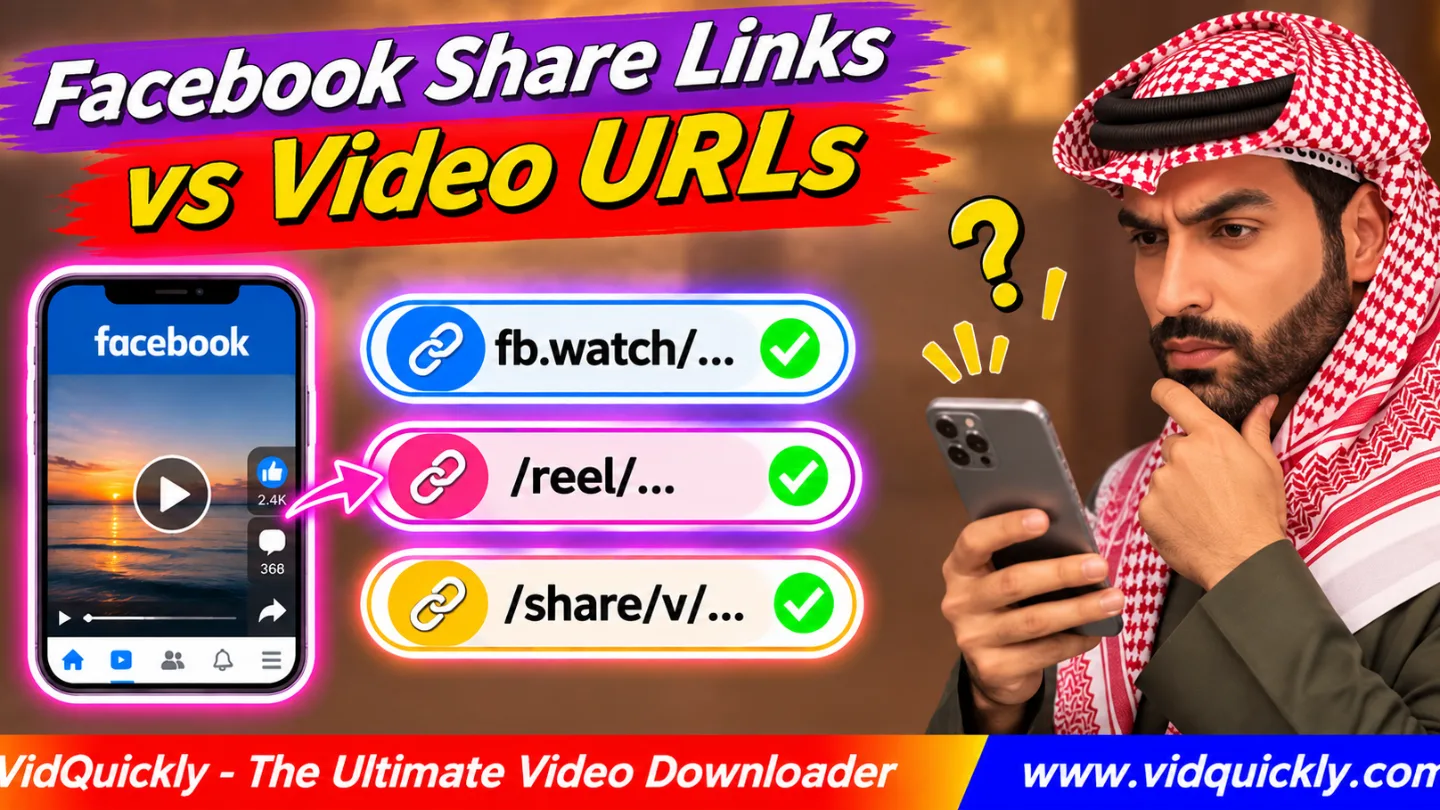
Facebook video link types include direct video URLs, Reel URLs, shortened links, and share links. The main difference is how each URL points to the original content. Some links contain a video ID, while others require a redirect before a downloader can find the video.
If your Facebook share video link is not working, you may have copied a short link, a profile address, or a link to a restricted post.
Understanding these URL formats helps you identify the correct video, fix unsupported link errors, and download eligible content without changing the original address.
This guide explains six common Facebook video URL formats and how to handle each one.
Key Takeaways:
- Facebook uses several URL formats for videos and Reels.
-
fb.watchlinks redirect users to Facebook content. -
/share/v/and/share/r/links contain share tokens. -
/reel/and/watch/?v=usually contain content IDs. - A Facebook profile URL does not identify a specific video.
- Tracking parameters are different from video IDs.
- A working Facebook link does not guarantee download access.
What Are the Different Facebook Video Link Types?
Facebook uses six common video link formats: shortened links, Reel URLs, Watch URLs, video share links, Reel share links, and Page or profile video URLs. Each format requires a different way to identify or locate the original video.
The table below explains what each link usually contains and how a downloader should handle it.
| URL Type | Expected Content | VidQuickly Support Status |
|---|---|---|
fb.watch/SHORT_CODE/ |
Shortened video link | Requires redirect resolution* |
facebook.com/reel/REEL_ID/ |
Individual Reel | Reels supported* |
facebook.com/watch/?v=VIDEO_ID |
Individual video | Videos supported* |
facebook.com/share/v/TOKEN/ |
Shared video | Requires redirect resolution* |
facebook.com/share/r/TOKEN/ |
Shared Reel | Requires redirect resolution* |
facebook.com/PAGE/videos/VIDEO_ID/ |
Page or profile video | Videos supported* |
Support status describes documented content support and expected URL handling. Individual URL patterns have not been independently verified through live download tests. Actual results depend on content access and current compatibility.
Facebook may also use mobile domains, additional URL parameters, and other post-link formats.
After Meta introduced its unified Facebook Reels publishing system, newer videos can appear as Reels regardless of their length.
Read more about Facebook's new unified video format to understand why longer recordings may now use Reel URLs.
How Do Short Links and Facebook Share Links Work?
Facebook short links and share links act as references to other content addresses. Instead of exposing a video ID directly, they use a short code or share token that helps Facebook locate and open the associated content.
What is an fb.watch link?
An fb.watch link is a shortened Facebook address. Facebook uses it to make video sharing easier without requiring users to copy a long URL containing several parameters.
Example:
- Short link:
https://fb.watch/EXAMPLE/ - Possible destination:
https://www.facebook.com/watch/?v=123456789
The short code does not necessarily match the original video ID.
An fb.watch link downloader must follow the redirect or otherwise resolve the link before processing the video.
What does /share/v/ mean on Facebook?
A /share/v/ URL is a Facebook sharing address commonly associated with video content. It contains a share token that Facebook uses to locate the shared item rather than showing the original video ID directly.
Example:
https://www.facebook.com/share/v/EXAMPLE/
Do not treat EXAMPLE as a numeric video ID. It is an illustrative share token.
What does /share/r/ mean on Facebook?
A /share/r/ link commonly points to a shared Facebook Reel. Like a video share link, it contains a token that may need additional processing before a downloader can locate the original Reel.
Example:
https://www.facebook.com/share/r/EXAMPLE/
A Facebook share Reels link is not the same as a direct /reel/REEL_ID/ address.
What is a redirect?
A redirect sends a browser or application from one URL to another. Facebook may also use intermediate pages or app navigation to open the intended video.
A typical shortened-link workflow looks like this:
Short URL → Redirect resolution → Content identification → Video page
A downloader must identify the correct destination before it can look for available media.
How to Identify a Facebook Video ID and Original URL
A Facebook video ID identifies a particular video within Facebook's system. Direct video URLs often expose this identifier in the URL path or query parameters, while shortened and shared URLs may hide it behind a separate token.
Consider these illustrative examples:
- Reel URL:
facebook.com/reel/123456789/ - Watch URL:
facebook.com/watch/?v=123456789 - Page video URL:
facebook.com/ExamplePage/videos/123456789/
The numeric value represents a content identifier in each example.
However, do not assume that every numeric value in a Facebook URL represents a video ID. Facebook also uses IDs for profiles, Pages, posts, and other objects.
Facebook post URLs vs profile URLs
A post URL points to an individual publication. A profile or Page URL identifies an account that may contain many posts and videos.
| URL Example | What It Identifies | Suitable for Single Video Download? |
|---|---|---|
/reel/123456789/ |
Individual Reel | Usually |
/watch/?v=123456789 |
Individual video | Usually |
/ExamplePage/posts/POST_ID |
Individual post | Depends on attached content |
/permalink.php?story_fbid=POST_ID&id=PAGE_ID |
Specific post | Depends on attached content |
/ExamplePage/videos/ |
Video collection | No |
/ExamplePage/ |
Facebook Page | No |
/profile.php?id=USER_ID |
Personal profile | No |
If you copy a post containing a video, a downloader may need to inspect the post and find the attached media.
If you copy a profile address, open the individual video first.
How to Fix and Download Facebook Share Links
The easiest way to fix an unsupported Facebook video URL is to open the original link in your browser, confirm that the correct video appears, and copy a fresh content-specific URL before trying the download again.
How to convert a Facebook short link to a full link
Follow these steps when a downloader rejects an fb.watch or /share/ URL:
- Copy the complete Facebook sharing link.
- Open Chrome, Safari, or another web browser.
- Paste the link into the browser's address bar.
- Allow Facebook to open the destination.
- Confirm that the intended video appears.
- Copy the resulting video URL if the browser exposes one.
- Paste the new URL into the downloader.
Some links open inside the Facebook app instead of displaying a new browser address.
In this case, try opening the individual video and using its Share > Copy link option again.
Facebook may still generate a share link. A direct URL is not always available through the interface.
How to download a Facebook video from its link
- Open the VidQuickly Facebook video download tool.
- Paste the complete video or Reel URL.
- Click Download.
- Wait for the tool to identify available media.
- Select an available video format and quality.
- Save the file to your device.
If you need more detailed instructions, follow this step-by-step Facebook video saving guide.
A valid page URL identifies the content, but it does not guarantee access to a downloadable MP4 file.
How to Handle Messenger Links and Tracking Parameters
Messenger can share Facebook videos using direct URLs, short links, share tokens, or message-specific addresses. To download eligible content, identify the original Facebook video rather than copying the address of the Messenger conversation itself.
How to copy a video link from Messenger
If someone sends you a Facebook video through Messenger, follow these steps:
- Open the message containing the shared video.
- Tap the video preview or attached Facebook link.
- Open the original content in Facebook or your browser.
- Select the video's sharing option.
- Copy the content URL.
Avoid copying a Messenger conversation address such as:
https://www.messenger.com/t/CONVERSATION_ID
This address identifies a conversation, not an individual Facebook video.
If someone uploads a video file directly to Messenger, use Messenger's available file-saving options instead.
Can you remove tracking parameters from Facebook video URLs?
Yes, you can often remove optional tracking parameters from a direct Facebook video URL. However, keep parameters that identify the video, post, or other required content.
Original URL example:
https://www.facebook.com/watch/?v=123456789&mibextid=EXAMPLE
Simplified URL:
https://www.facebook.com/watch/?v=123456789
In this example:
v=123456789identifies the video.mibextid=EXAMPLErepresents additional sharing information.
Other tracking-related parameters may include fbclid and utm_source.
Always open the simplified URL to confirm that it still displays the correct video.
Do not remove unknown parameters from a share URL or change its token. When in doubt, keep the original link unchanged.
Why Is My Facebook Video Link Not Working?
A Facebook video link can fail because the downloader cannot identify the URL format, resolve a redirect, or access the original media. A deleted video, restricted audience, or expired recording can also prevent a successful download.
Check these common causes:
- Unsupported URL: The downloader does not recognize the link pattern.
- Missing content ID: You copied an incomplete direct URL.
- Redirect failure: The service cannot resolve the short or share link.
- Incorrect destination: The URL opens a profile instead of a video.
- Restricted access: The video requires permission or authentication.
- Deleted content: The original video no longer exists.
- Temporary service error: Facebook or the downloader cannot complete the request.
Why does Facebook play the video but the downloader fails?
Your Facebook browser session may have permission to view content that an external downloader cannot access. Facebook may also provide different media resources depending on the request, device, or current platform conditions.
For your own restricted content, use Facebook's official export or download options when available.
For older Live recordings, check whether Facebook still stores the original video. Follow this guide to backing up Facebook Live recordings before the storage period ends.
Responsible use: Only download videos you own, have permission to save, or have another lawful basis to download. Respect copyright, creator consent, privacy settings, and Facebook's terms. Never bypass access restrictions.
Frequently Asked Questions
Can an fb.watch link identify multiple videos?
An fb.watch link normally directs users to a particular shared content destination. It does not function as a list of all videos from a Facebook Page or creator.
Is a Facebook share token the same as a video ID?
No. A share token helps Facebook locate shared content, while a video ID identifies a video object. You cannot reliably convert a share token into a video ID by editing the URL.
Can I change /share/r/ to /reel/ manually?
No. These URL paths use different identifier types. Replacing /share/r/ with /reel/ while keeping the same token may create an invalid URL that does not identify the original Reel.
Does the Facebook link type affect video quality?
The URL format does not directly control video quality. Available resolution depends on the original upload, Facebook's video encoding, and the media versions that the downloader can access.
Can I use Facebook URLs to download Instagram Reels?
No. Facebook and Instagram use different content URLs, even when creators publish the same video on both platforms. Use an online Instagram video download tool with the original Instagram link.
Is a Facebook video URL a direct MP4 link?
No. A Facebook video URL normally opens a content page or video player. The actual media may use separate MP4 resources or adaptive streams that the browser or downloader must process.
Conclusion: Choose the Right Facebook Video URL
Understanding Facebook video link types helps you avoid unsupported URL errors and unnecessary download attempts. Direct Reel and Watch URLs often expose content IDs, while short links and share links require additional resolution.
When a download fails, open the original video, verify its availability, and copy the correct content address. Keep required identifiers and avoid changing URL paths manually.
For eligible Facebook videos and Reels, paste the complete URL into VidQuickly's Facebook downloader, select an available quality, and save your authorized content for offline viewing.


