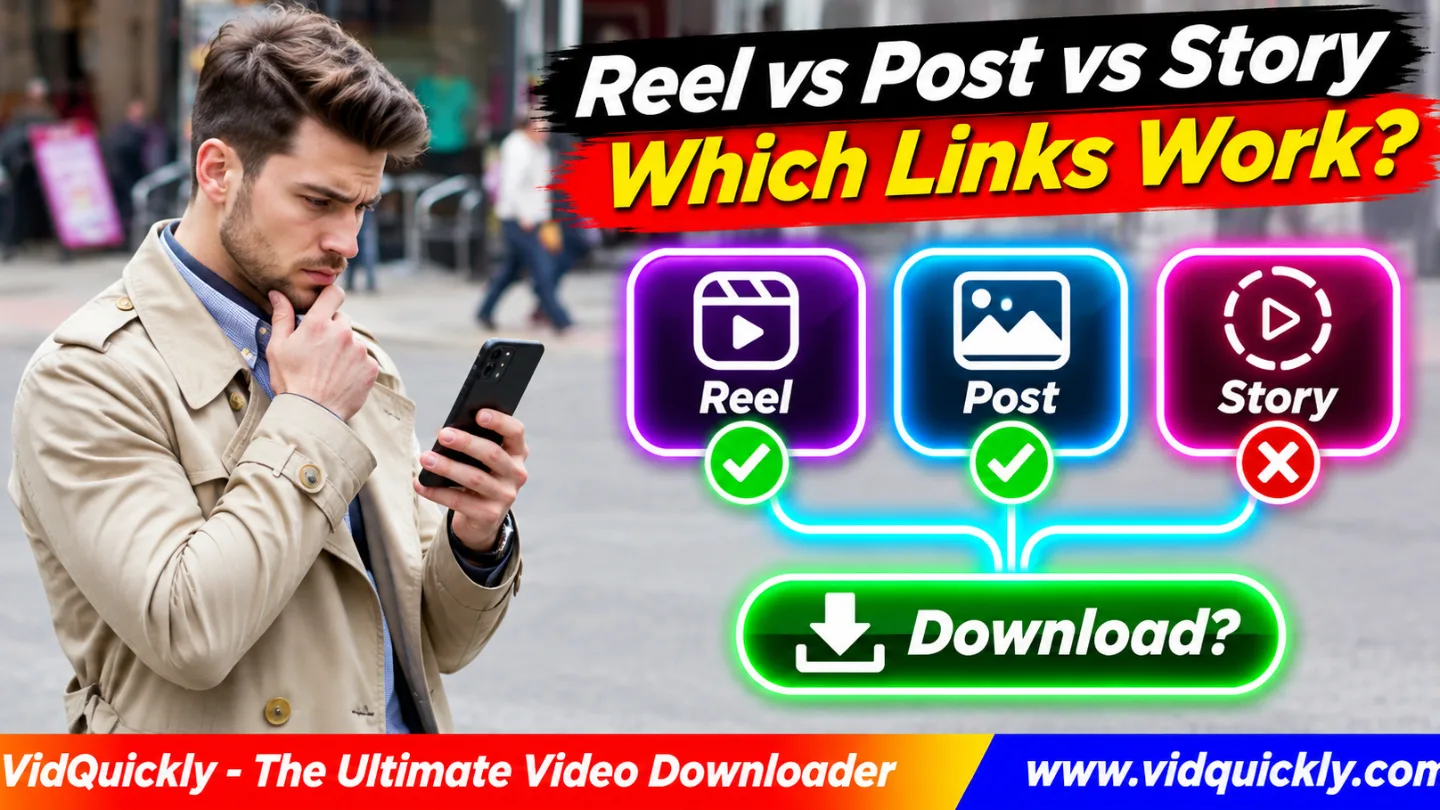
Instagram video URL types tell you which content a link opens, but they do not guarantee a successful download. Reels usually use /reel/, feed posts use /p/, and individual Stories use /stories/username/story_id/. A downloader must recognize the link and find accessible video media.
For the best result, copy the URL of the individual Reel or video post. Avoid submitting a profile, Explore page, or expired Story when the tool expects one video.
This guide compares Instagram Reel, Post, Story, and Highlight links, explains shortcodes and redirects, and shows how to fix unsupported URLs.
Key Takeaways — Quick Checklist
- Use
/reel/for an individual Reel. - Use
/p/for an individual feed post. - Check whether a
/p/post actually contains video. - Copy an active Story link when Instagram allows it.
- Open short share links to verify their destination.
- Never replace URL prefixes or shortcodes manually.
- Check public access before using a downloader.
What Are the Main Instagram Video URL Types?
Instagram uses different URL paths for Reels, posts, Stories, Highlights, and profiles. The path identifies a page type, while a shortcode or other identifier points to the content.
A valid Instagram URL is not always a valid video download URL.
What does an Instagram Reel URL look like?
The common Instagram Reel URL format is:
https://www.instagram.com/reel/EXAMPLE123/
The /reel/ path identifies a Reel page. EXAMPLE123 represents its shortcode, not a direct MP4 filename.
A Reel may contain video that a compatible downloader can process, provided the source is accessible.
What does an Instagram Post URL look like?
The usual Instagram Post URL format is:
https://www.instagram.com/p/EXAMPLE456/
A /p/ link can identify a photo, video, or carousel containing several items.
The URL alone cannot tell you whether the post contains downloadable video.
Open the post and inspect its media before choosing a video downloader.
What does an Instagram Story link look like?
An individual Instagram Story link commonly follows:
https://www.instagram.com/stories/exampleuser/1234567890123456789/
The path contains an account username and a Story identifier.
Stories normally disappear from public view after 24 hours unless the creator preserves them through supported Instagram features.
An expired Story can have a correctly formatted URL but no accessible media.
Instagram URL Format Comparison
| Content Type | Typical URL Pattern | Video Download Status |
|---|---|---|
| Reel | /reel/SHORTCODE/ |
Supported for compatible public Reels |
| Feed post | /p/SHORTCODE/ |
Supported when accessible video exists |
| Carousel | /p/SHORTCODE/ |
Depends on media and tool |
| Individual Story | /stories/USERNAME/STORY_ID/ |
Depends on access and availability |
| Highlight | /stories/highlights/ID/ |
Not guaranteed by video tool |
| Profile | /USERNAME/ |
Not one video URL |
| Explore | /explore/ |
Not one video URL |
| Short share link | /share/... |
Depends on redirect resolution |
These are general Instagram formats, not guarantees that every tool accepts every link.
Instagram /reel/ vs /p/: What Is the Difference?
The Instagram /reel/ vs /p/ distinction matters because these routes describe different publishing surfaces. A Reel link points to a Reel, while a /p/ link identifies a feed post that may contain video, images, or a carousel.
Can you change /p/ to /reel/ manually?
No. Changing the path does not convert a feed post into a Reel.
Even when Instagram displays similar media in different places, the copied URL should remain unchanged.
Use the Share or Copy Link option on the actual content.
An invented URL may open an error page or cause an unsupported-link response.
Does an Instagram carousel have one URL?
Usually, yes. A carousel post generally has one /p/ URL for its collection.
That post may contain multiple photos, several videos, or a mix of both.
A downloader might return more than one media item if it supports carousel extraction.
Do not assume every carousel slide has a separate public URL or that a video-only downloader can save images.
What is an Instagram shortcode?
An Instagram shortcode is an identifier used in certain post and Reel URLs.
It helps Instagram identify a media item, but it is not the video file's address.
The shortcode is different from a Story's numeric identifier.
Preserve the original value when copying links. Changing even one character can lead to the wrong page or an unavailable recording.
For more background about where Reels appear, read how Instagram Reels reach different audiences.
How Do Story, Highlight and Profile URLs Differ?
Stories, Highlights, and profile pages have different purposes. An individual Story identifies temporary content, a Highlight groups saved Stories, and a profile represents an account.
A standard video downloader may not recognize all three.
Why do Instagram Story links stop working?
Stories normally remain available for about 24 hours unless the creator adds them to a Highlight or preserves them through other account features.
A Story can also become inaccessible because of privacy settings or deletion.
Meta explains the temporary nature of Story sharing in its official introduction to Instagram Reels.
Check that the Story is still active before blaming the downloader.
Can you download a Highlight with a normal video link?
Not necessarily. A Highlight is a collection of selected Stories.
A Highlight URL commonly uses /stories/highlights/ followed by an identifier.
That address does not automatically point to one MP4 file.
Use a tool that explicitly supports accessible Highlights rather than assuming ordinary Reel extraction also works.
Why does an Instagram profile link fail?
An Instagram profile link vs video link comparison is simple: one identifies an account, while the other identifies a specific recording.
For example, https://www.instagram.com/exampleuser/ contains no Reel shortcode.
A single-video downloader cannot know which post you want from that address.
Open the intended video first, then copy its individual link.
For more context about feed, Stories, and discovery, see how Instagram content formats affect visibility.
How to Copy the Correct Instagram Video Link
Copy the URL from the individual piece of content, not from the surrounding profile or feed. Instagram's Share menu is usually more reliable than guessing the path from a browser address.
How do you copy a Reel or Post link?
- Open Instagram on your phone or computer.
- Select the intended Reel or post.
- Tap Share or the available options menu.
- Choose Copy Link.
- Paste the URL into a text field.
- Confirm that it identifies the correct content.
- Check whether the post is publicly accessible.
- Open the appropriate download tool.
For compatible public video posts and Reels, try VidQuickly's Instagram video downloader tool.
The tool documents a Copy → Paste → Download process, with available results depending on the source.
How do you copy a Story link?
- Open an active Instagram Story.
- Tap its Share or options control.
- Look for Copy Link.
- Copy the address if Instagram offers it.
- Check that it identifies the intended Story.
- Confirm that access is still available.
Instagram may limit sharing options for certain Stories.
Do not request account passwords or session cookies to access someone else's private content.
Why Do Instagram Share Links and Redirects Fail?
An Instagram share link not working error can occur when a shortened link redirects to another page or the downloader does not recognize its format.
The link may be valid for messaging but unsupported as direct tool input.
Is a share URL a direct MP4 link?
No. A share URL normally points to Instagram content or redirects to a content page.
Some Instagram links use /share/ routes or include query parameters such as igsh.
These elements help with sharing but do not identify an MP4 file by themselves.
A downloader must resolve the content and find an accessible media representation.
For additional examples, read how Instagram share and media URLs differ.
Can you remove tracking parameters?
Sometimes. A standard Reel or post URL may contain optional parameters after a question mark.
For example:
https://www.instagram.com/reel/EXAMPLE123/?igsh=TRACKING
You may be able to use the base Reel URL without the tracking parameter.
However, do not remove unknown fields from special share links. Some information may be needed to resolve the destination.
The safest option is to open the link and use Instagram's Copy Link control again.
Which Instagram Links Work With Video Downloaders?
A supported downloader needs both a recognized URL and accessible video content. A perfectly formatted URL may still fail if the post is private, deleted, expired, or does not contain video.
Instagram Unsupported Link Troubleshooting
| Problem | Likely Reason | Recommended Fix |
|---|---|---|
| Reel unsupported | Invalid or unsupported URL format | Copy the original Reel link |
/p/ gives no video |
Photo-only post | Use an appropriate media tool |
| Carousel incomplete | Multiple media items | Check supported carousel output |
| Story unavailable | Expired or restricted Story | Check original access |
| Highlight rejected | Collection URL | Use a compatible Highlight tool |
| Profile URL rejected | No individual media selected | Open one post or Reel |
| Share redirect fails | Tool cannot resolve link | Copy final content URL |
| Correct URL still fails | Source or extractor limitation | Check status and retry later |
What if Instagram says Unsupported URL?
Check the URL path and the content it opens.
If the link points to an individual public Reel or video post, retry with a fresh copy.
If the link is a profile, Highlight, or expired Story, use an appropriate supported workflow instead.
For a fuller diagnosis, read ten fixes for Instagram download errors.
Can Facebook downloader tools process Instagram links?
Not automatically. Instagram and Facebook have separate URL formats even though both belong to Meta.
For media hosted on Facebook, use VidQuickly's Facebook video download tool.
For media hosted on Instagram, use the Instagram tool.
If the same creator published similar clips on both platforms, verify the original source and permissions before downloading.
Responsible use: Save public videos for offline personal research and educational purposes only when you have permission or another lawful basis. Respect copyright, creator consent, account privacy, and platform terms. Never use download tools to bypass private-account restrictions.
Conclusion: Choose the Right Instagram URL Before Downloading
Understanding Instagram video URL types helps you avoid unsupported-link errors and select the right download method. Use /reel/ for Reels, /p/ for feed posts, and the appropriate /stories/ route for accessible Stories.
Remember that a post may contain photos, a carousel may contain several files, and a profile link does not identify one recording.
Copy the actual content URL, verify public access, and check the downloader's supported formats. If a link fails, inspect its destination before changing browser settings.
For authorized public videos, open VidQuickly's Instagram video download tool and review the available options.
Frequently Asked Questions About Instagram Video URLs
Does /p/ always mean an Instagram video?
No. /p/ identifies a feed post, which can contain a photo, video, or carousel. Check the actual content before using a video downloader.
Can an Instagram Reel have a /p/ URL?
Instagram may display media across different surfaces, but you should preserve the actual URL provided by Instagram. Do not manually replace /p/ with /reel/.
Are Instagram Story links permanent?
Not usually. Stories normally disappear from public view after 24 hours, unless their creator preserves them through supported features such as Highlights.
Can I download from an Instagram profile URL?
A profile URL does not identify one video. Open the specific Reel or post and copy its individual link for a single-video downloader.
Why does my Instagram share link show Unsupported URL?
The tool may not recognize the short redirect format. Open the link, confirm the destination, and copy the final individual content URL.
What happens if I change an Instagram shortcode?
Changing a shortcode can identify different content or create an invalid URL. Keep the exact identifier from the original Instagram link.
Can a valid Instagram Story URL still fail?
Yes. The Story may have expired, the account may restrict access, or the tool may not support that Story type. URL correctness alone does not guarantee media availability.