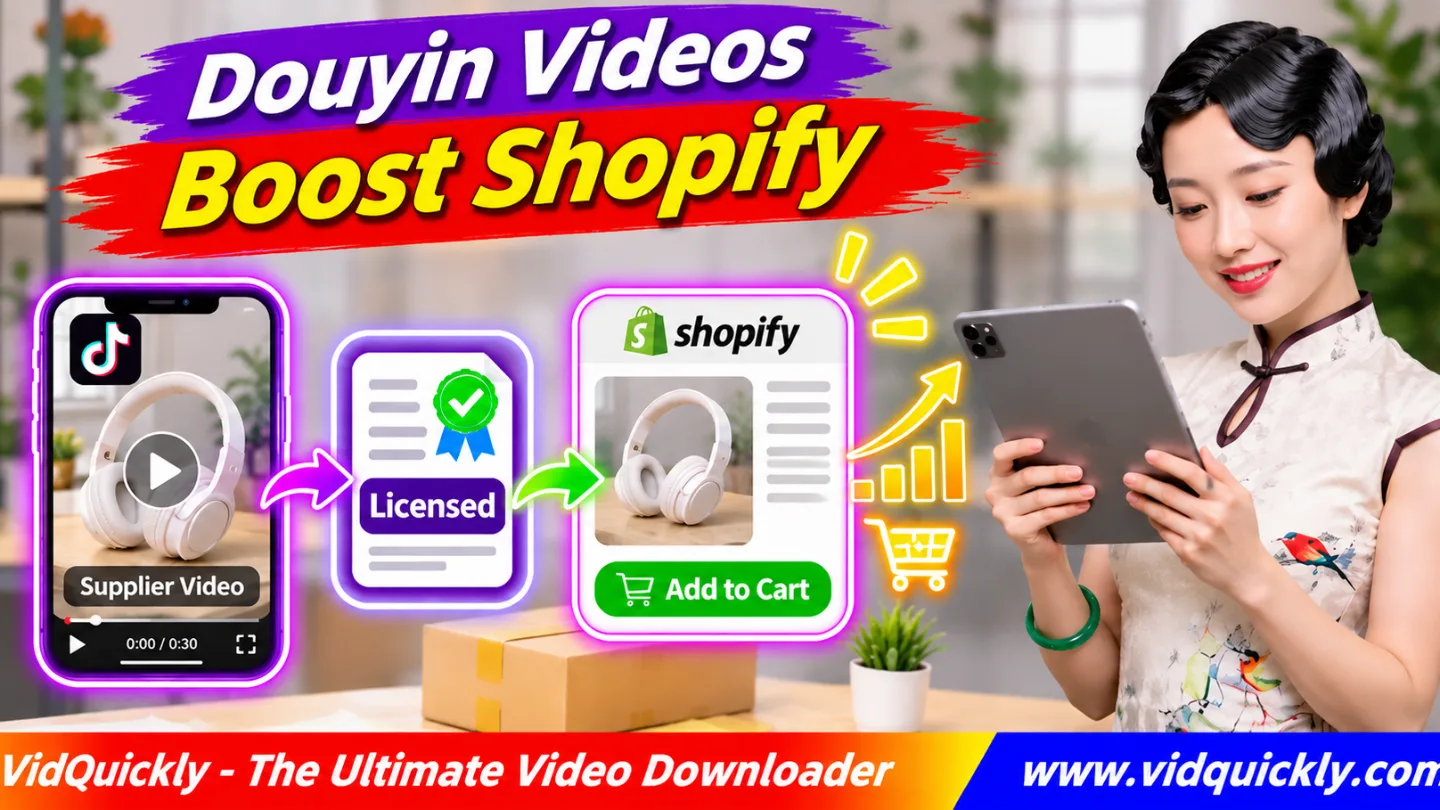
Douyin product videos for Shopify can help shoppers understand how a product works before buying it. Obtain commercial permission from the supplier or rights holder, verify that the footage matches your product, translate Chinese content, and upload an optimized video to your Shopify product page.
Chinese suppliers often create useful demonstrations that show product features, assembly steps, and everyday applications. However, access to these videos does not automatically grant commercial usage rights.
This guide explains how to source licensed supplier videos, localize Chinese content, prepare Shopify-compatible MP4 files, improve product pages, and measure conversion performance without misleading customers.
Key Takeaways — Shopify Product Video Checklist
- Find supplier videos that match your actual product.
- Obtain written commercial usage permission.
- Verify footage, music, and third-party asset rights.
- Translate Chinese speech and important screen text.
- Remove outdated information and unsupported claims.
- Export a mobile-friendly MP4.
- Add the video to your Shopify product page.
- Test loading speed, playback, and readability.
- Measure conversion rates and customer feedback.
Why Use Douyin Product Videos for Shopify Stores?
Douyin product videos can help Shopify merchants explain product benefits through real demonstrations. They allow customers to see how an item looks, moves, and functions before placing an order, which may reduce uncertainty during the buying process.
Video works best when it answers questions that product images cannot explain clearly.
What makes Chinese supplier product videos useful?
Chinese manufacturers and suppliers often produce videos to demonstrate their products on Douyin, 1688, and other ecommerce platforms.
These videos may show:
- Product assembly and installation.
- Materials and physical dimensions.
- Everyday usage examples.
- Different product features.
- Packaging and included accessories.
- Product comparisons.
- Maintenance instructions.
For example, a video showing how a folding storage box opens can provide more useful information than a single product image.
However, always verify that the demonstration represents the exact product you sell.
Are Douyin videos suitable for dropshipping?
Licensed Douyin videos for dropshipping can provide useful marketing material, especially when a merchant has limited access to original product footage.
They can support product pages, customer education, and advertising when the license covers those activities.
However, a popular Douyin product does not automatically have strong international demand.
Before creating a store, follow these Douyin product research and validation steps to evaluate customer interest, supplier reliability, and profitability.
Do product videos guarantee more Shopify sales?
No. Videos can help shoppers understand products, but their impact depends on content quality, price, page performance, customer demand, and trust.
A misleading or slow-loading video may create a worse shopping experience.
Measure actual customer behavior before assuming that a video improves sales.
How to Get Licensed Douyin and 1688 Supplier Videos
Before using Chinese supplier product videos, confirm who owns the footage and whether they can grant commercial permission. A supplier's product listing or public Douyin account does not automatically give merchants the right to download, edit, and redistribute its videos.
Request written authorization before preparing commercial content.
Where can you find supplier product videos?
| Video Source | Useful Content | Rights Consideration |
|---|---|---|
| Official supplier Douyin account | Product demonstrations | Confirm creator ownership |
| 1688 supplier listing | Factory and product footage | Request commercial permission |
| Alibaba supplier media | Product and manufacturing videos | Review supplier license |
| Authorized creator | Reviews and demonstrations | Obtain creator approval |
| Supplier media library | High-quality original files | Check usage conditions |
| Your own product recording | Original demonstrations | Clear included third-party assets |
A supplier media library is often a better starting point than downloading a published social video.
Ask for clean original footage with suitable commercial rights.
What permissions should you request from suppliers?
Confirm the intended commercial activities in writing.
Your agreement should cover:
- The specific videos and products.
- Permission to use footage on Shopify.
- Translation and subtitle editing rights.
- Cropping and other editing permissions.
- Approved countries and languages.
- Organic social media usage, if needed.
- Paid advertising rights, if needed.
- License duration and renewal conditions.
- Music, people, and third-party content rights.
Permission to display a video on a Shopify product page may not cover Facebook or TikTok advertising.
Request additional authorization when expanding its use.
How do you ask a Chinese supplier for video permission?
Send a specific request that explains your intended use.
For example:
Hello, I would like to sell your product through my Shopify store. Can you provide original product demonstration videos and written permission to translate, edit, and use them on my commercial product pages? Please confirm whether paid advertising is also permitted.
You can translate this message into Chinese when communicating with a 1688 supplier.
Keep the supplier's response and check whether they have authority to grant those rights.
Can you download supplier videos from Douyin?
Yes, when you have the necessary permission or another lawful basis and comply with applicable platform rules.
For commercial use, follow the agreed licensing conditions.
- Identify the approved supplier video.
- Confirm its original Douyin URL.
- Copy the individual video link.
- Visit VidQuickly's Douyin video download tool.
- Paste the copied link.
- Select Download.
- Choose an available MP4 option.
- Save and inspect the downloaded file.
- Record the original source and license details.
VidQuickly helps retrieve compatible public video files. It does not verify ownership, grant commercial licenses, or guarantee that downloaded videos match your inventory.
How to Localize Douyin Product Videos for Global Shopify Customers
Product video localization adapts Chinese supplier footage for customers in another market. Translate speech, replace outdated promotional information, explain product features in the local language, and adjust measurements or instructions without changing the original meaning.
Translation should make the product easier to understand, not create stronger unsupported claims.
How do you translate Chinese supplier videos into English?
- Obtain the authorized original video.
- Generate a transcript of the Chinese speech.
- Correct transcription errors.
- Translate the transcript into English.
- Identify important Chinese on-screen text.
- Create synchronized English subtitles.
- Add an English voiceover when useful.
- Review technical details and product claims.
- Export the localized video.
- Test the result on a mobile device.
AI transcription and translation tools can reduce manual work.
However, review important information with a fluent speaker or qualified product specialist.
For a complete workflow, follow how to translate Chinese Douyin video content.
Which information should you change before publishing?
Review every part of the original demonstration.
Pay attention to:
- Chinese retail prices and currencies.
- Supplier contact details and QR codes.
- Local promotional dates.
- Product measurements and weight units.
- Model numbers and available colors.
- Electrical voltage and plug types.
- Warranty statements.
- Shipping promises and return conditions.
Remove outdated promotional elements only when the license permits editing.
Keep required creator credits, product warnings, and safety information visible.
How do you verify that supplier claims are accurate?
Compare the video with your actual product sample, supplier specifications, and available documentation. Never assume that a demonstration from a similar listing accurately represents the item your customers will receive.
Check materials, dimensions, accessories, and performance.
For example, a video may show a premium product version while your supplier ships a cheaper model.
Replace misleading footage before publishing.
Do not generate false testimonials, invented certifications, or unrealistic before-and-after results.
How to Create and Upload Shopify Product Demonstration Videos
Shopify product demonstration videos should explain one or more useful features without slowing down the shopping experience. Prepare a compatible video file, place it near relevant product information, and verify that customers can play it on different devices.
Use a clear demonstration rather than a long social media advertisement.
What are Shopify's product video requirements?
Shopify supports uploaded MP4, MOV, and WebM product videos, with a maximum duration of ten minutes and a maximum file size of 1 GB.
These are upload limits, not recommended targets for every product demonstration.
For full requirements, check the official Shopify product media documentation.
H.264 video with AAC audio in an MP4 container is a practical editing and delivery format.
Choose the resolution and aspect ratio based on your product gallery and theme.
Review these Douyin video formats and specifications when preparing social video source files.
Which video format works best for each placement?
| Placement | Suggested Aspect Ratio | Suggested Duration | Main Purpose |
|---|---|---|---|
| Shopify product gallery | 1:1 or 4:5 | 15–45 seconds | Quick product demonstration |
| Product description | 16:9 or 4:5 | 30–90 seconds | Detailed explanation |
| Homepage banner | Theme-dependent | 5–15 seconds | Introduce product benefits |
| Instagram Reels | 9:16 | 15–45 seconds | Attract potential buyers |
| TikTok marketing | 9:16 | 15–45 seconds | Product discovery |
These are practical starting recommendations, not platform limits.
Adjust the duration when customers need more detailed instructions.
How do you upload a product video to Shopify?
- Sign in to Shopify Admin.
- Open Products.
- Select the relevant product.
- Find the Media section.
- Add or upload the prepared video.
- Wait for media processing to finish.
- Arrange the video within the product gallery.
- Save your changes.
- Open the published product page.
- Test video playback on desktop and mobile.
Your Shopify theme must support the intended video presentation.
Check the gallery preview, poster image, sound controls, and loading behavior.
How to Improve Shopify Video Conversion Optimization
Shopify video conversion optimization uses product demonstrations to answer questions, reduce buying uncertainty, and support purchase decisions. Place videos where customers need information, keep the message focused, and test their impact on shopping behavior.
Good video placement matters as much as video production quality.
What should a high-converting product video include?
Start by showing the product and its main purpose.
A useful structure is:
Customer Problem → Product Demonstration → Key Benefit → Supporting Evidence → Next Step
For example, a reusable kitchen organizer video can show a crowded drawer, demonstrate installation, and display the organized result.
Keep the result realistic.
Avoid long introductions, excessive animations, and unrelated music.
Where should you place videos on Shopify?
Use the product gallery for short demonstrations that help visitors understand the item quickly.
Place longer instructions near relevant product descriptions or usage sections.
For products that require assembly, consider including a separate installation video.
Avoid placing several heavy videos above essential product details and purchase controls.
How do you optimize product video loading speed?
Prepare a lightweight video that maintains enough detail to explain the product clearly. Large files, unnecessary autoplay, and several competing video embeds can increase loading time and create a poor mobile experience.
Use these practices:
- Compress videos without hiding important details.
- Choose an appropriate resolution.
- Provide a clear poster image.
- Avoid unnecessary autoplay with sound.
- Defer off-screen video loading where supported.
- Test the page on slower mobile connections.
- Keep essential text and purchase controls accessible.
Shopify's video processing can improve delivery compatibility, but your theme and page structure still affect performance.
Can product videos improve Shopify SEO?
Product videos can support useful ecommerce content, but they do not guarantee better rankings or video-rich search results.
Add descriptive text explaining what the video demonstrates.
Keep product specifications, benefits, and important instructions available as readable page content.
Google's official ecommerce video SEO guidance explains how different video types can help shoppers discover and understand products.
Consider a dedicated tutorial or demonstration page when the video is the main content.
How to Test and Scale Douyin Supplier Video Marketing
Effective Douyin ecommerce video marketing requires measuring customer behavior rather than assuming every video improves sales. Compare product pages and marketing campaigns using consistent performance data, then expand the video formats that support your business goals.
Test both the shopping experience and the accuracy of the product presentation.
Which Shopify video metrics should you track?
Track relevant signals through Shopify analytics and your supported video tracking tools.
Useful metrics include:
- Product-page sessions.
- Video plays and completion rates.
- Add-to-cart rate.
- Checkout starts.
- Completed purchases.
- Product-page conversion rate.
- Refund and return rates.
- Customer questions about demonstrated features.
Video-specific tracking may require additional supported analytics features or custom implementation.
Use consistent definitions when comparing results.
How do you test whether a product video increases sales?
- Choose a product with sufficient visitor activity.
- Record its existing conversion performance.
- Create a version with the localized product video.
- Run a controlled A/B test when supported.
- Keep prices and other major page elements consistent.
- Compare purchase and add-to-cart rates.
- Review video loading performance.
- Check returns and customer feedback.
- Retain the better-performing version when evidence supports it.
For example, increasing conversion from 2% to 2.5% represents a relative improvement of 25%.
This is a hypothetical calculation, not a predicted result.
Avoid drawing conclusions from very small visitor samples.
Can you reuse the same licensed video on TikTok?
Yes, if the license explicitly permits that platform and intended commercial activity.
Create a shorter vertical version with a clear opening and suitable captions.
For compatible authorized TikTok videos, use VidQuickly's TikTok video download tool when preparing permitted reference or backup files.
Keep your original localized master for future edits.
Do not assume that Shopify usage permission automatically includes social advertising.
Responsible use: Download public videos for personal research and educational purposes only when you have permission or another lawful basis. Obtain appropriate commercial, editing, translation, and distribution rights before using supplier footage in a Shopify store. Respect copyright, music licenses, personal privacy, consumer protection laws, product safety requirements, and platform policies.
Conclusion: Turn Licensed Supplier Videos Into Useful Shopping Content
Using Douyin product videos for Shopify can help customers understand your products through clear visual demonstrations. Start with written supplier permission, verify the actual product, and translate Chinese content into accurate, natural English.
Prepare lightweight video files, position them near relevant product information, and test the complete shopping experience. Measure conversions, page performance, and customer feedback before expanding your video strategy.
VidQuickly's Douyin Video Downloader can help prepare compatible, authorized supplier footage. Remember that long-term sales growth depends on accurate demonstrations, reliable products, clear commercial rights, and a trustworthy Shopify store.
Frequently Asked Questions About Douyin Product Videos for Shopify
Can I use Douyin product videos on my Shopify store?
Yes, when you have the necessary commercial usage rights and follow applicable platform rules. Confirm that the video accurately represents your product before displaying it to customers.
Can I use 1688 supplier videos for dropshipping?
Yes, if the supplier owns the footage or can grant suitable commercial permission. Request original media files and written authorization covering your Shopify store and intended marketing activities.
What is the best video format for Shopify product pages?
MP4 with H.264 video and AAC audio is a practical choice for broad compatibility. Shopify also accepts supported MOV and WebM files within its upload requirements.
Do I need to translate Chinese supplier videos?
Translate important speech, labels, measurements, and instructions when selling to English-speaking customers. Accurate localization helps viewers understand the product and reduces confusion about its features, limitations, and usage.
Can I use supplier videos for Facebook and TikTok ads?
Only when the license covers paid advertising and those platforms. Permission for your Shopify product page alone may not authorize advertising, further editing, or other commercial distribution.
Do Shopify product videos increase conversion rates?
They may improve conversion by explaining product benefits and answering customer questions. However, results depend on video quality, product demand, store performance, and trust. Use controlled testing.
Does VidQuickly provide commercial rights to Douyin videos?
No. VidQuickly helps retrieve compatible public media files. It does not grant ownership, commercial licenses, translation rights, or advertising permission. Obtain those rights from the appropriate rights holder.


