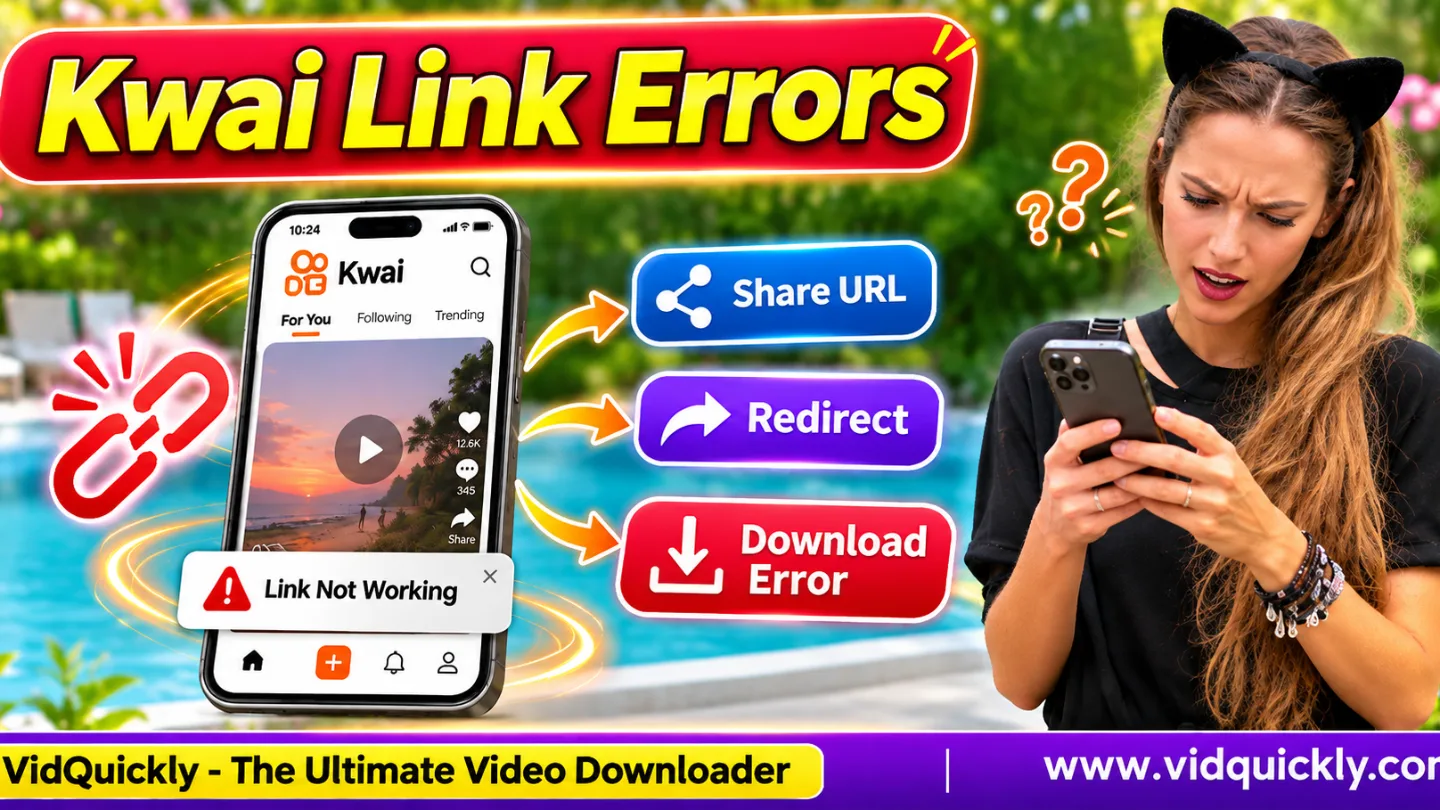
If your Kwai video link is not working, first check whether you copied a link to an individual video, a profile, or a sharing page. Open the link in your browser, confirm that the correct video plays, and copy it again directly from Kwai. A valid link may still fail when the video is unavailable or the downloader cannot process it.
This problem often happens after sharing a Kwai video through WhatsApp, Messenger, or another app. Short links, redirects, extra message text, and unsupported URLs can confuse downloaders.
This guide explains Kwai URL types, how redirects work, why invalid URL and parser errors appear, and how to save eligible videos safely.
Key Takeaways:
- Copy the link from the individual Kwai video, not the creator profile.
- A short share link may redirect before opening the video.
- Remove extra message text without changing the URL itself.
- Test the link in a browser before using a downloader.
- A working video page does not guarantee downloadable media.
- Deleted, private, or restricted videos may be unavailable.
- Parser errors can happen even when the URL is correct.
- Download only content you own or have permission to save.
Why Is My Kwai Video Link Not Working?
A Kwai video link may fail because it is incomplete, points to the wrong content, redirects incorrectly, or leads to an unavailable video. Sometimes the link works in Kwai, but a third-party downloader cannot identify the video or retrieve a supported media file.
Common causes include:
- Wrong URL: You copied a profile or general Kwai page.
- Incomplete link: WhatsApp or another app changed the copied text.
- Extra characters: The downloader receives words or punctuation around the URL.
- Redirect problem: A short link does not reach the expected video page.
- Unavailable video: The creator deleted or restricted the post.
- Parser failure: The downloader cannot interpret the current page structure.
- Temporary network error: A request times out or fails.
- Unsupported media: The link leads to a live session, image post, or another content type.
These problems need different fixes.
Copying the same broken URL repeatedly will not solve a deleted video or a downloader compatibility problem.
Why does Kwai work but the downloader fail?
Kwai's app can open content through its own navigation and playback systems.
A downloader must identify the shared content and determine whether an authorized, supported media file is available.
The two systems do not always handle links in the same way.
For example, a Kwai app link may open a video successfully while an external tool reports "Invalid URL."
That message does not automatically mean the video was deleted.
It may mean the downloader does not recognize the shared address.
Kwai Video URL vs Share Link vs Profile Link
A Kwai video URL should identify a specific video, while a profile URL identifies a creator and a short share link may redirect to another address. The URL's domain alone cannot prove that it points to downloadable video content.
Common Kwai link categories
| Link Type | How to Recognize It | Downloader Result |
|---|---|---|
| Individual video URL | Opens one specific video | May work if supported and accessible |
| Short share link | Redirects after opening | May require redirect support |
| Profile URL | Opens a creator's account | Usually not a single-video input |
| Discover or topic page | Shows multiple videos | May return unsupported URL |
| Live or other content link | Opens a different content type | Depends on tool support |
| Direct media URL | Points to a media resource | May be temporary or restricted |
Kwai's official website uses kwai.com for its web pages.
Its Help Center also references kwai-video.com/p/ sharing links.
These domains can appear in legitimate Kwai-related workflows, but they serve different purposes.
For example, a kwai.com/discover/... page can display a collection of videos rather than one individual post.
A kwai-video.com/p/... link may be a short sharing address. Its exact destination must be checked.
Do not assume every /p/ address is a direct video URL.
How to identify the correct video link
- Open the intended video inside Kwai.
- Tap Share.
- Select Copy Link.
- Paste the copied text into a browser or note.
- Check whether it contains a complete HTTPS URL.
- Open that URL in a browser.
- Confirm it reaches the correct individual video.
Kwai's Help Center documents using Share and Copy Link when providing a specific video link for a report.
That confirms the intended sharing workflow, although link formats may change.
Read the official Kwai video reporting instructions for an example of this process.
Can Kwai and Kuaishou links be mixed?
Kwai and Kuaishou are related services, but their websites and URL formats are not automatically interchangeable.
A downloader designed for one service may not support every address from the other.
For background, read this Kuaishou platform and technology overview.
Check the original domain before selecting a download tool.
How to Fix a Kwai Share Link Copied From WhatsApp
If a Kwai share link fails after you send it through WhatsApp, first separate the actual URL from the surrounding message. Then open the URL in a normal browser and confirm that it still reaches the intended video.
Step 1: Copy a fresh link from Kwai
- Open the original video in the Kwai app.
- Tap Share.
- Select Copy Link.
- Open a text editor or browser address bar.
- Paste the copied content.
- Find the complete HTTPS address.
- Copy only that address if extra text surrounds it.
Do not remove characters from inside the URL.
A short link may contain a token that identifies its destination.
Changing that token can break the link.
Step 2: Test the redirect
- Open Chrome, Safari, or another updated browser.
- Paste the copied link into the address bar.
- Wait for the page to load.
- Check whether the browser opens Kwai or a specific video page.
- Confirm the video is the one you intended.
- Copy the final video page address if the browser displays a usable one.
A redirect is an instruction that sends the browser from one address to another.
Websites commonly use HTTP 301, 302, 307, or 308 responses for redirects.
Some sharing links also use app-opening behavior, so the final address may not be visible.
If the browser opens only the Kwai homepage, the original link may no longer identify the video correctly.
Step 3: Retry with the verified URL
- Open the Kwai video link download page.
- Paste the verified link.
- Check that no extra words remain.
- Start processing.
- Review the result or error message.
- Save the file only if the tool provides a supported, authorized option.
Do not enter your Kwai password into an unfamiliar downloader.
A public share URL should not require you to give a third-party service your account credentials.
Kwai Invalid URL, Expired Link and Parser Failed Errors
Kwai downloader errors can come from link validation, redirect handling, content availability, or media processing. Identify which stage failed before trying another fix.
Quick troubleshooting table
| Error or Symptom | Likely Explanation | Recommended Check |
|---|---|---|
| Invalid URL | Wrong, incomplete, or unsupported address | Copy the individual video link |
| Share link error | Short link does not resolve correctly | Test it in a browser |
| Video unavailable | Post deleted, restricted, or inaccessible | Check the original video |
| Parser failed | Downloader cannot interpret the page | Test another eligible public video |
| Redirect loop | Link repeatedly changes destinations | Copy a fresh share link |
| 404 Not Found | Requested resource not found | Recheck the original post |
| 403 Forbidden | Server refuses the request | Respect access restrictions |
| Download timeout | Network or server response is slow | Retry on a stable connection |
| Downloaded file will not play | Incomplete file or unsupported format | Check file size and codec |
These are general diagnostic categories, not a list of official Kwai error messages.
Different downloaders may use different wording.
Does a Kwai share link expire?
A Kwai link that stops working is not necessarily expired.
Possible causes include:
- The creator removed the video.
- The video became private or restricted.
- The short link no longer redirects correctly.
- The sharing address changed.
- A temporary media URL expired.
- The downloader no longer recognizes the page.
A share-page URL and a direct media URL are not the same.
Media URLs may use temporary access parameters, while a public video page can remain available longer.
Do not assume all Kwai share links have a fixed expiration period.
What does "Kwai video parser failed" mean?
A parser is software that reads a page or response and identifies useful information.
A video downloader may use a parser to recognize a video page and locate supported media details.
A parser failure can happen when:
- The page structure changes.
- The server returns unexpected content.
- A redirect is not handled correctly.
- The post type is unsupported.
- The media information is missing.
This is different from a copyright or access restriction.
However, a parser error does not prove that access is permitted.
How to Tell Whether the Problem Is Kwai or the Downloader
Test the original video separately from the download tool. If the video plays normally in Kwai and a browser but one downloader fails, the problem may involve that tool's compatibility rather than the video itself.
Run a simple three-part test
- Open the original video in Kwai.
- Confirm that it plays.
- Copy its link again.
- Open the link in a normal browser.
- Confirm the correct video appears.
- Try another public video you own or may lawfully download.
- Compare the downloader results.
Use the results to narrow the problem.
- Neither video opens: Check the network or original links.
- Only one video fails: Check that video's availability and content type.
- Both play but neither downloads: Check tool compatibility or temporary service issues.
- One downloads successfully: The downloader works for at least one supported case.
Avoid changing browser security settings just to force a download.
What if the link opens only inside Kwai?
Some share links prefer opening the mobile app.
A browser may show an app prompt, landing page, or limited preview instead of the full video.
Try copying the individual video's share link again.
If no supported public video page is available, do not assume that another hidden URL must exist.
What about video format and quality?
A valid video page does not guarantee a direct MP4 file.
Video platforms can deliver media through different systems, including MP4 files or segmented streaming formats such as HLS.
A downloader must support the available delivery method.
For additional background on Kwai-related video requirements, see this Kwai video format and specification guide.
Advertising upload specifications are not the same as downloadable playback formats.
How to Save Kwai Videos Safely After Fixing the Link
Once the link works, use an appropriate tool only for videos you own or have permission to download. Keep the original source file when possible, because a downloaded version may have different quality or audio characteristics.
Recommended creator workflow
- Find the original Kwai post.
- Confirm you own the content or have download permission.
- Copy the individual video link.
- Verify the link in a browser.
- Choose a compatible download tool.
- Select an available format.
- Save the file to your device.
- Open the file and check playback.
For international Kwai links, use the online Kwai MP4 saving service.
For supported Kuaishou content, the Kuaishou video backup download tool provides a separate workflow.
Tool support may vary by link type and content availability.
Keep useful information with your files
For your own content archive, record:
- Original video URL.
- Creator or account name.
- Date saved.
- Video title or description.
- Downloaded filename.
- Available resolution.
- Permission or ownership details.
This helps when a shared link later stops working.
If you are new to the platform, the Kwai app features and usage guide provides general background.
Legal and safety disclaimer: Download, store, edit, or reuse only videos you own, have permission to use, or have another lawful basis to access. Respect copyright, privacy, creator rights, and Kwai's terms. Do not use link processing to access private or restricted content without authorization.
Frequently Asked Questions
Why is my Kwai video link not working?
The URL may be incomplete, point to a profile, redirect incorrectly, or lead to unavailable content. Open the link in a browser and confirm that it reaches the intended video.
Can a Kwai short link work with a downloader?
Sometimes. A short link may work if the downloader supports its redirect format. If it fails, open the link in a browser and use the verified individual video URL when available.
Why does my Kwai link work in WhatsApp but not in a downloader?
WhatsApp may open the link through an app or browser preview, while the downloader must identify supported video information. Copy the complete URL without extra message text.
What does Kwai download invalid URL mean?
It usually means the downloader cannot recognize the supplied address. Check whether you copied a video link rather than a profile, topic, or incomplete sharing URL.
Does a Kwai video link expire?
Some temporary media addresses can expire, but not every failed Kwai share link has expired. Deleted content, access changes, and redirect problems can produce similar symptoms.
Why does the Kwai video parser fail?
The downloader may not understand the current page, redirect, or media format. Test another eligible public video and retry later if the problem appears temporary.
Can I download a private or deleted Kwai video?
A share link does not grant access to private or deleted content. Ask the owner for an authorized copy rather than attempting to bypass restrictions.
Conclusion: Verify the Video Link Before Downloading
A Kwai video link not working does not always mean the video has disappeared. First, check whether the address points to one video, a profile, or a short sharing page.
Copy a fresh link from Kwai, remove unrelated message text, and test the redirect in your browser. If the video plays but the downloader fails, check compatibility and media availability.
Use VidQuickly's Kwai downloader for supported videos you own or have permission to save. Keep original recordings whenever possible, and never treat a working share link as permission to reuse someone else's content.