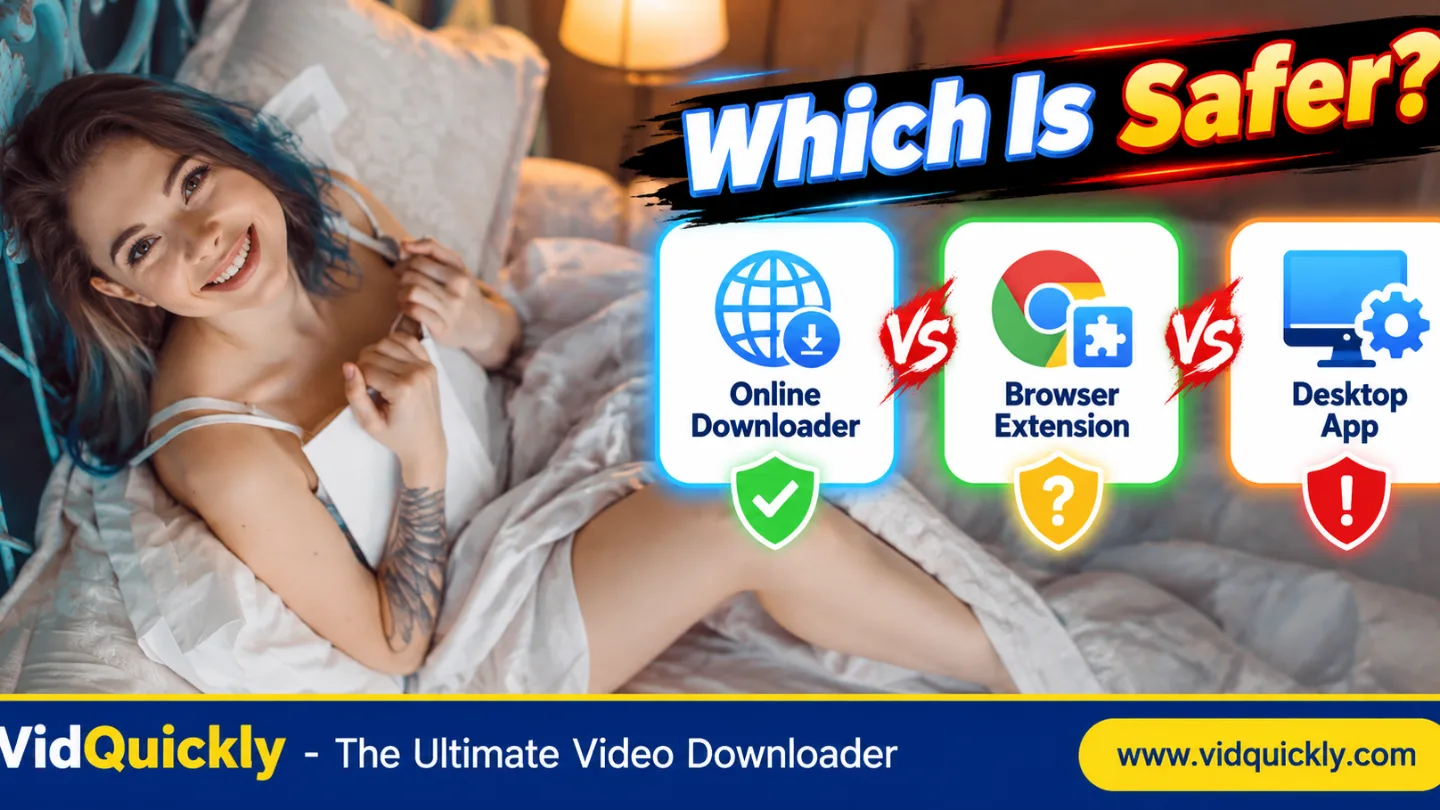
Which is safer: an OnlyFans online downloader, browser extension, or desktop app? No method is automatically the safest. Online tools avoid software installation but may receive submitted data. Browser extensions can access website information according to their permissions. Desktop apps run on your device and may access local files or network connections.
For occasional, authorized downloads, a reputable browser-based tool with minimal data requirements may reduce installation risks. For frequent media work, a well-maintained desktop application may offer useful controls. Browser extensions deserve special attention because broad website permissions can expose sensitive account activity.
This guide compares OnlyFans downloader safety, privacy, permissions, malware risks, and practical ways to choose a trustworthy tool.
Which OnlyFans Downloader Method Is Safest?
The safest downloader is one that requires the least sensitive information, uses appropriate permissions, comes from a trustworthy publisher, and supports your authorized content. Its category alone cannot prove safety.
Compare the data you must share and the access the tool receives before choosing.
| Security Factor | Online Downloader | Browser Extension | Desktop App |
|---|---|---|---|
| Software installation | Usually No | Yes, browser add-on | Yes |
| Access to local files | Usually limited to browser-approved actions | Depends on permissions | Depends on OS permissions |
| Access to website content | Submitted information and webpage interactions | Can be broad with site permissions | Depends on implementation |
| Potential server-side data processing | Yes, depending on design | Possible | Possible |
| Persistent browser permissions | Usually No extension permissions | Possible | Usually No extension permissions |
| Automatic updates | Website changes server-side | Browser store or extension updater | App updater or manual |
| Main security concern | Submitted data and server trust | Website access and extension behavior | Installer and system access |
| Can support offline processing | Sometimes, depending on design | Sometimes | Yes, depending on design |
| Automatically safer than others | No | No | No |
| Guarantees protected OnlyFans downloads | No | No | No |
Is an online OnlyFans downloader safer than an extension?
It can be safer in some situations.
A browser-based tool usually does not require permanent extension permissions or a separate system installer.
However, it may process information you submit on a remote server.
A source-based downloader can pose substantial privacy risks if users paste authenticated page information.
Choose an online service only when its input requirements and data-handling practices are clear.
Is a desktop downloader always more secure?
No.
A desktop application can provide local file processing and avoid some browser limitations.
However, it can also request filesystem, network, or operating-system access.
An untrusted installer may contain unwanted software or malicious code.
Check the publisher, official download source, available security documentation, and update process before installation.
A desktop app is not automatically private simply because it runs locally.
Are browser extensions the riskiest option?
Extensions can introduce significant privacy risks when they receive broad permissions.
For example, an extension with permission to read and change data on all websites may interact with sensitive pages while it is active.
However, a well-designed extension with limited site access can have a smaller risk profile.
Review actual permissions rather than assuming every extension is unsafe.
Avoid extensions that ask for more access than their features require.
How Safe Are Online OnlyFans Downloaders?
An online downloader runs through your browser without requiring a separate desktop installation. This can reduce installer-related risks, but it does not remove the need to trust the website.
Your privacy depends on what the service receives, processes, and retains.
What information can an online downloader collect?
Depending on the implementation, an online service may receive:
- Submitted video URLs.
- Page source information.
- IP address and connection metadata.
- Browser and device information.
- Processing requests and error details.
- Uploaded files, if supported.
- Temporary media references.
Do not assume every service collects all these items.
Read its privacy policy and check the actual input fields.
Avoid sending account passwords, authentication tokens, cookies, or payment information.
Does HTTPS make an online downloader safe?
HTTPS helps protect information while it travels between your browser and the website.
It does not guarantee that the website is trustworthy.
A service using HTTPS may still retain submitted data, expose information through poor security, or process content in unexpected ways.
Check whether the website explains:
- What information it receives.
- Whether processing happens locally or remotely.
- Whether input data is stored.
- How long information remains available.
- Whether third parties receive information.
Do not treat an HTTPS padlock as proof that a service collects no data.
Why is page-source downloading more sensitive than pasting a normal URL?
An ordinary webpage URL and raw HTML page source contain different information.
Page source from an authenticated account can include account-related metadata, temporary resource references, or other sensitive values.
Submitting a complete page document may therefore expose more information than submitting a simple public URL.
The risk depends on the actual content and the service receiving it.
For a technical explanation, read OnlyFans Video URL vs Page Source: What Does a Downloader Actually Need?.
Never provide raw authenticated account information without understanding the privacy consequences.
When is an online downloader a reasonable choice?
Consider an online tool when:
- The source is supported.
- You own the content or have permission to save it.
- The website clearly explains its inputs.
- No account credentials are required.
- Its privacy practices are acceptable.
- You do not need to install extra software.
- The download complies with applicable platform rules.
Stop if the service asks for sensitive account secrets.
A convenient web interface does not override creator rights or access restrictions.
Are OnlyFans Downloader Browser Extensions Safe?
Browser extensions can be useful, but their permissions determine how much website information they may access. An extension that operates on authenticated websites deserves careful review.
Only install software from publishers you trust.
What does "Read and change your data on all websites" mean?
This permission can allow an extension to access and modify page information across a broad set of websites.
Depending on its capabilities and granted permissions, it may interact with pages that contain:
- Account information.
- Messages.
- Personal details.
- Form contents.
- Media references.
- Other sensitive webpage data.
Not every extension uses these capabilities improperly.
The important question is whether the requested access is necessary for its actual function.
How do I check Chrome extension permissions?
- Open Chrome.
- Select Extensions.
- Open Manage Extensions.
- Find the extension.
- Click Details.
- Review site access and permissions.
- Choose a narrower site-access option when supported.
- Remove extensions you no longer need.
Chrome provides options such as access on click, access to specific sites, and access on all sites for compatible extensions.
Choose the least access that still supports the intended function.
Can an extension read OnlyFans account information?
Potentially, depending on its site permissions and implementation.
An extension with access to OnlyFans pages may be able to interact with information displayed or processed on those pages.
That does not mean every extension can access every browser secret.
Actual capabilities depend on its permissions and browser restrictions.
Nevertheless, broad access to an authenticated account page is a meaningful privacy risk.
Use caution with unknown publishers and unnecessary permissions.
Is installing an extension from a browser store enough?
No.
Browser-store review and automated security checks can reduce certain risks, but they are not a guarantee of safety.
Before installing an extension:
- Verify the publisher.
- Review the requested permissions.
- Read its privacy policy.
- Check recent updates.
- Look for a legitimate support channel.
- Avoid suspicious external installation instructions.
- Remove the extension if its behavior changes unexpectedly.
Be especially cautious if an extension requests broad access after an update.
Are Desktop OnlyFans Downloader Apps More Private?
A desktop app may process supported media on your device, but privacy depends on how the application works. Some apps use local processing, while others send requests or content information to remote services.
Installation introduces different security responsibilities from using a website.
What security risks come with desktop downloaders?
Potential risks include:
- Fake installers.
- Malware or unwanted bundled software.
- Excessive file permissions.
- Unclear network activity.
- Weak update mechanisms.
- Unsafe storage of downloaded media.
- Unverified publishers.
- Applications that request unnecessary administrator access.
These risks do not apply equally to every application.
A reputable, maintained app can still be a reasonable choice for supported workflows.
Is open-source downloader software automatically safe?
No.
Open-source software allows people to inspect the published code, but public source availability does not guarantee that every build is secure.
The released installer must correspond to trustworthy code and an appropriate build process.
A useful review can include:
- The official source repository.
- Release history.
- Documented permissions.
- Security issue handling.
- Installer origin.
- Published privacy practices.
- Optional release signatures or checksums.
Open-source status is a useful transparency signal, not a universal safety certificate.
Why should you avoid unknown APK and EXE files?
An APK installs software on Android, while EXE and other installer formats can run programs on Windows.
A fake downloader may request unnecessary access or install malicious software.
Download installers from the verified publisher rather than third-party mirrors.
Do not bypass operating-system security warnings without understanding the reason.
Avoid programs that require account credentials unrelated to their stated purpose.
Does local processing mean no data leaves your device?
Not necessarily.
An application can process files locally while still contacting remote servers for links, updates, analytics, or other functions.
Check its published privacy practices and actual design.
For sensitive creator recordings, choose software with clear data-handling controls.
Do not assume "desktop" and "offline" mean the same thing.
OnlyFans Downloader Privacy: What Should You Check Before Installing Anything?
Review permissions, data collection, publisher identity, and media access rights before choosing any downloader. A short security checklist can prevent common mistakes.
Compare actual product behavior instead of relying on marketing claims.
What are the warning signs of an unsafe downloader?
Treat these as warning signs:
- Requests for your OnlyFans password.
- Requests for session cookies or authentication tokens.
- Claims of guaranteed access to every private video.
- Unexplained browser-wide permissions.
- Instructions to disable antivirus protection.
- Installers from unrelated websites.
- Unexpected payment or identity-verification forms.
- No clear publisher or privacy documentation.
- Forced installation of additional extensions.
- Claims that DRM and copyright rules never apply.
One warning sign does not prove malware.
However, several together should be enough to stop using the service.
What questions should creators ask?
Creators should prioritize confidentiality and control over original media.
Ask:
- Does the tool need access to private account information?
- Will it upload any part of my original recording?
- Where does processing take place?
- Can I remove stored information?
- Does the application use unnecessary permissions?
- Can I verify the publisher?
- Does the workflow preserve original media quality?
A downloader is not a replacement for a secure creator archive.
For backup guidance, read How OnlyFans Creators Can Back Up Their Own Videos Safely.
What should casual users check first?
Start with the least complicated permitted method.
Use a current browser, avoid unknown extensions, and do not reveal account secrets.
Confirm that the source is supported before installing software.
If content is restricted or protected, do not attempt to bypass the limitation.
Keeping unnecessary downloader extensions or apps installed can increase your exposure to future vulnerabilities.
Remove tools you no longer use.
How Does VidQuickly Compare With Extensions and Desktop Apps?
VidQuickly currently provides a browser-based OnlyFans Video Extractor, while its separate desktop and Android app supports compatible website-triggered download tasks. The published documentation does not confirm an OnlyFans-specific desktop-app workflow.
The available options depend on the source.
What is the VidQuickly OnlyFans Downloader workflow?
The VidQuickly OnlyFans Downloader currently displays:
- OnlyFans Video Extractor as the tool heading.
- Paste Source as the input control.
- Download Media as the main action.
- A tutorial link for obtaining source information.
The page also contains an older tutorial describing a video URL workflow.
Because these instructions differ, users should verify the current accepted input.
Do not paste sensitive authenticated page information simply because the interface requests source material.
Does VidQuickly require an OnlyFans browser extension?
No dedicated OnlyFans browser extension is listed as a requirement on the current landing page.
The advertised OnlyFans tool is browser-based.
However, using a webpage instead of an extension does not prove that all processing stays on your device.
Review the service's privacy practices and the information you submit.
The safest workflow minimizes sensitive inputs.
What does VidQuickly App support in 2026?
The official VidQuickly App page lists version 1.7.0 for:
- Windows: Windows 10+, x64, MSI installer.
- macOS: Apple Silicon devices, DMG installer.
- Android: Android 8+, APK installer.
- iPhone/iPad: No native iOS app listed.
The app receives supported commands from VidQuickly.com through the vidquickly:// protocol.
Its documentation specifically identifies automatic Download via App buttons for PornHub and xHamster.
That does not confirm the same behavior for OnlyFans.
Is VidQuickly App open-source?
VidQuickly describes its app as free and open-source, with source code available on GitHub.
The published page also states that the app does not collect telemetry.
These are publisher claims, not an independent security audit.
Users who need stronger assurance should inspect the relevant source code, confirm the installer origin, and review current releases.
Do not treat any product's published privacy statement as proof of zero risk.
Should I install VidQuickly App just for OnlyFans?
Not unless the OnlyFans workflow actually offers a supported app-based action.
The general app's availability does not establish compatibility with every source.
Start by checking the live OnlyFans page.
If it provides only a browser-based option, do not assume an app installation will add support for protected or unsupported videos.
Use the method documented for the specific source.
Do Any Downloader Methods Make Protected OnlyFans Videos Accessible?
No downloader category automatically overrides DRM, subscriptions, creator permissions, or platform terms. The ability to install a program or inspect a webpage does not grant rights to protected content.
Account access and download permission are separate issues.
Why do some OnlyFans videos remain unavailable?
Possible reasons include:
- Creator-controlled access.
- An inactive subscription.
- Content requiring separate payment.
- Expired or unavailable media.
- Unsupported input formats.
- DRM-protected playback.
- Platform download restrictions.
A compatible player may display an authorized video without providing a permanent MP4.
For a detailed explanation, read Why Are Some OnlyFans Videos Protected? DRM, Access Rights & Download Limits Explained.
Is a paid subscription enough to authorize a download?
Not automatically.
A subscription or pay-per-view purchase normally grants specified viewing access, not unrestricted ownership or copying rights.
Downloading, storing, and redistributing content may require additional permission or an approved delivery method.
Respect the platform's terms and the creator's rights.
Avoid tools promising to bypass paid access or DRM.
Can another VidQuickly tool replace the OnlyFans downloader?
VidQuickly provides separate tools for other platforms.
For example, its Facebook Video Downloader and Reddit Video Downloader accept compatible media URLs from their respective websites.
Their browser-based interfaces illustrate a conventional URL-input workflow.
They are not OnlyFans extraction alternatives and do not grant access to protected creator media.
Use a downloader only for its supported platform and authorized content.
Which Downloader Should You Choose for Your Device and Needs?
Choose the least-privileged method that supports your authorized media and works on your device. A web tool may suit occasional tasks, while a verified desktop application may make sense for frequent local processing.
Extensions require especially careful permission review.
Which method is best for Windows and Mac?
For occasional tasks, a trustworthy browser-based tool may avoid unnecessary installation.
For repeated processing of your own original recordings, a reputable desktop application may provide more control over local files and workflows.
Before installing anything:
- Verify the publisher.
- Check supported operating systems.
- Review permissions.
- Read privacy documentation.
- Confirm that the required feature exists.
- Use authorized source material.
- Keep software updated.
Choose based on documented functionality, not broad claims about universal downloading.
What about Android and iPhone?
Mobile operating systems limit how third-party software interacts with browsers and files.
On Android, review APK sources and app permissions carefully.
On iPhone, ordinary Safari downloads may appear in Files, but that does not mean every downloader supports iOS.
VidQuickly's OnlyFans FAQ currently describes the OnlyFans workflow as PC/laptop-only, while the general VidQuickly App supports certain Android tasks.
These statements should not be confused.
Check the specific OnlyFans product's current mobile support before depending on it.
What is the best method for content creators?
For creators preserving their own content, the safest primary method is usually to retain the original recordings.
Use encrypted storage, independent backups, and clear access controls.
A downloader may provide a supplementary authorized recovery option, but it should not replace original media files.
Keep sensitive projects outside public sharing folders.
Do not give third-party tools more account or filesystem access than necessary.
Conclusion: Online Downloader, Extension, or Desktop App?
No OnlyFans downloader method is automatically the safest. Online tools avoid installations but require trust in the website's data handling. Extensions may receive broad access to authenticated pages. Desktop apps can provide local processing but introduce installer and operating-system risks.
For occasional authorized tasks, prefer a reputable tool with minimal data requirements. For repeated creator workflows, consider verified software with clear permissions and secure local storage. Avoid unknown extensions, untrusted installers, and services requesting account secrets.
VidQuickly currently offers a browser-based OnlyFans Video Extractor, while its separate app has source-specific support requirements.
Want to review the available method? Check VidQuickly's OnlyFans Downloader instructions before submitting permitted content.
Responsible use: Save public videos for offline personal research and educational purposes only when you have permission or another lawful basis. Respect creator rights, consent, privacy, and platform terms. Never defeat DRM or access restrictions.
Frequently Asked Questions About OnlyFans Downloader Safety
Is an online OnlyFans downloader safer than a Chrome extension?
Sometimes.
An online tool can avoid persistent extension permissions, but the website may still process submitted information.
Compare data-handling practices and required access rather than assuming one method is always safer.
Can OnlyFans downloader extensions access private account information?
Potentially, depending on the permissions granted.
Extensions with access to authenticated websites may interact with sensitive page information.
Review site-access settings and avoid unnecessary permissions.
Are desktop OnlyFans downloader apps safe to install?
Safety depends on the publisher, installer, software behavior, and permissions.
Use verified download sources and keep your operating system updated.
Avoid unknown installers and programs requesting unnecessary privileges.
Does VidQuickly OnlyFans Downloader require an extension?
The current VidQuickly OnlyFans tool is browser-based and does not list a dedicated extension as a requirement.
Its interface uses Paste Source and Download Media controls.
Review the actual input requirements before submitting any information.
Does VidQuickly App support OnlyFans downloads?
Its published documentation confirms compatible website-triggered tasks and specifically names automatic Download via App buttons for PornHub and xHamster.
It does not independently confirm a dedicated OnlyFans app workflow.
Is an open-source downloader automatically private?
No.
Open-source code can improve transparency, but it does not prove that every published build is secure or that no data is transmitted.
Review code, release sources, permissions, and documented privacy practices.
Can a downloader safely access DRM-protected OnlyFans videos?
No downloader should be assumed to support every protected video.
DRM and account permissions may prevent ordinary downloading.
Use authorized playback methods and respect the creator's rights.
What is the safest way to store my own OnlyFans videos?
Keep original recordings in encrypted storage and create independent backups.
Use strong account authentication and restrict sharing.
A secure creator-managed archive is more reliable than depending on a third-party downloader alone.