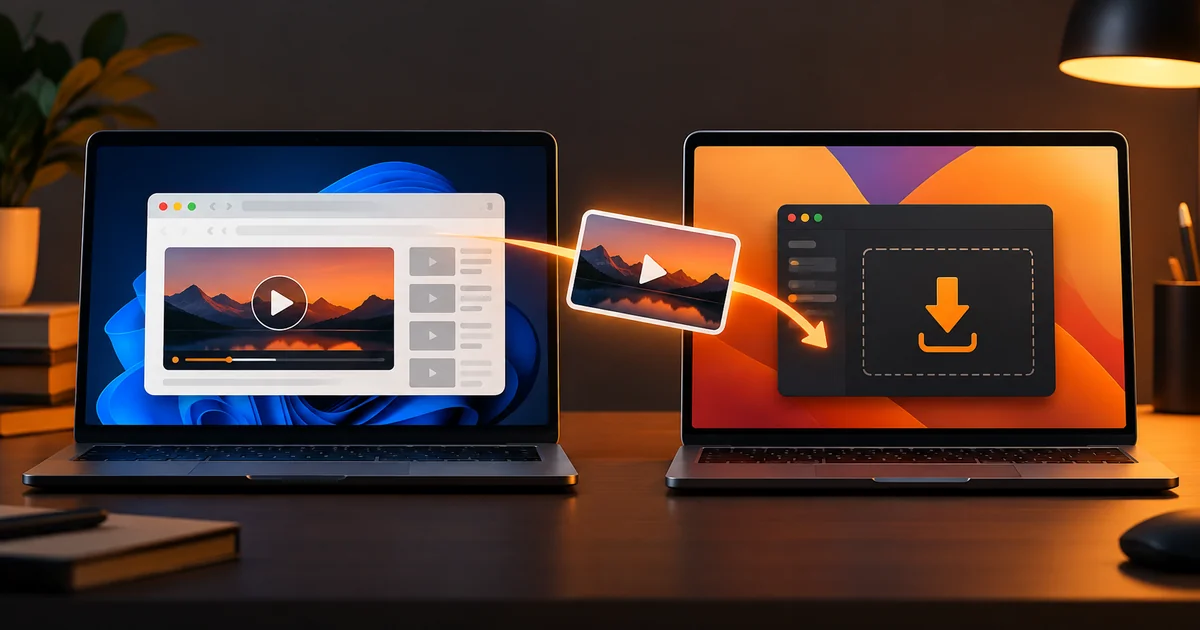
To download a supported PornHub video on a PC or Mac with VidQuickly, first download and install the VidQuickly Desktop App. The app is required for this PornHub workflow. Then open the public video page, copy its URL, paste it into the PornHub Downloader on VidQuickly, and choose Download via App.
The website sends the job to the installed app, which processes the video on your computer. This guide covers the Windows and Mac setup, the download steps, and common problems. Save only public videos you have permission to keep for personal offline research or educational use.
What do you need before you start?
You need an accessible public PornHub video page, a supported computer, enough free storage, and the VidQuickly Desktop App. Installing the app is mandatory for PornHub downloads through VidQuickly on PC and Mac. A browser alone does not complete the current workflow. Start with the official Desktop App download page linked above, then return to the website to submit the video URL.
VidQuickly currently lists Windows 10 or newer on x64 and macOS on Apple Silicon (M1, M2, M3, or M4). Its Desktop App page offers a Windows MSI installer and a Mac DMG installer. It does not list an Intel Mac build, so check your Mac's chip before downloading. Availability may change.
Open the original video page in your browser before using the tool. If the page is private, removed, or unavailable to you, do not assume the app can access it. Keep the computer online while the app processes the download, and check that you have space for the resulting file. Do not use this guide to bypass access controls or redistribute someone else's work.
How do you install VidQuickly on a Windows PC?
Download the Windows installer from VidQuickly, run it, and finish installation before submitting a PornHub link. The official Desktop App page currently offers an MSI file for Windows 10+ x64. If your computer uses a different processor architecture, confirm that a compatible version exists before proceeding.
Step 1 — Get the installer. Open the official Desktop App page and select Download for Windows. Save the MSI file to a location you can find. Check that the browser shows a download from VidQuickly's linked file host rather than a lookalike site.
Step 2 — Install the app. Open the downloaded MSI file and follow the Windows installer prompts. If Windows asks whether to allow the installer to make changes, review the publisher and file source before accepting. Wait for the installer to finish; closing it early may leave the browser handoff unregistered.
Step 3 — Reopen your browser. The website launches the installed app through the VidQuickly app link. VidQuickly recommends restarting the browser if Download via App does not open the app after installation. You do not need to paste the video URL into a standalone app window; the website starts the job.
How do you install VidQuickly on a Mac?
Download the Mac DMG file from the official Desktop App page and install it before you try to save a PornHub video. VidQuickly currently labels the Mac build for Apple Silicon, including M1 through M4. It does not advertise an Intel Mac download, so do not assume this installer supports an older Intel-based Mac.
Step 1 — Check your Mac. Open the Apple menu and choose About This Mac to see the chip. If it says Apple M-series, return to VidQuickly's Desktop App page and select Download for macOS. If it says Intel, check VidQuickly's current download page for a supported build before trying to install.
Step 2 — Install the downloaded app. Open the DMG file and follow its on-screen installation instructions. Use the official download link rather than a mirror or an installer promoted by an unrelated site. If macOS asks for confirmation when you open the app, review the file source and the system prompt.
Step 3 — Return to the browser. Close and reopen your browser after installation if it does not recognize the app link. The app receives the download request from VidQuickly's website through its app link; it is not a separate URL-paste workflow.
How do you download the video after installation?
Copy the address of a public PornHub video page, paste it into VidQuickly's PornHub Downloader, and select Download via App. Allow your browser to open the installed VidQuickly app when prompted. The app then handles the supported download locally. This is the flow described on VidQuickly's Desktop App page.
Step 1 — Copy the video-page URL. Open the specific video on PornHub and copy the address from the browser's address bar. Use the original page URL, not an embedded player link, a shortened share link, or a temporary media address. A normal page URL gives the downloader the best chance to recognize the item.
Step 2 — Submit it on VidQuickly. Open the PornHub Downloader tool on VidQuickly, paste the URL into its input, and start the request. If the page offers several actions, choose Download via App for this PornHub workflow. The Desktop App page says this button appears for PornHub links.
Step 3 — Approve the app handoff. Your browser may ask whether to open a VidQuickly app link in the desktop app. Confirm only when the prompt comes from the VidQuickly page you just used. Keep the app open until processing finishes; the app assembles the video locally according to VidQuickly's app documentation.
Step 4 — Check the result. Use the app's completed-job view or save location to find the file. Play the whole file, including audio, before deleting the original job details. File type, quality, and completion time depend on the source and the options actually offered; do not assume every video has the same resolution or format.
Why does PornHub need the Desktop App?
VidQuickly directs PornHub downloads through its Desktop App because the service may need to process segmented HLS media locally. Its current Desktop App guide says the site sends a job to the installed app, which gathers and assembles the video. A browser-only download button is not the intended VidQuickly method for this platform.
The practical difference is where the work happens. The website accepts the public video URL and offers the app action. The desktop app receives that action and handles the local download. You need both parts of the process, even though you begin in a browser. This also explains why merely opening the installed app does not start a PornHub download.
VidQuickly's older PornHub tool page still contains some browser-only wording. Follow the newer Desktop App instructions for the actual PC and Mac procedure. Avoid claims of guaranteed success, universal access, or a particular video quality; those depend on the source and the supported workflow.
What should you check if it does not work?
Check the original video page, the installed app, and the browser handoff in that order. A wrong URL, an unavailable video, or an app link that never reaches your computer can stop the process before the download begins. VidQuickly's PornHub troubleshooting guide covers additional failure cases.
The app does not open: Confirm installation from the official Desktop App page, then restart your browser and try Download via App again. If your browser asks to open the external app, review and accept the prompt. A missing app link handler can make the button appear unresponsive, as VidQuickly notes in its app guide.
The link is rejected: Open the original PornHub video page, confirm it plays, and copy the address again. Do not paste an embed URL, redirect, or old media link. If the page itself is unavailable, an app installation will not fix that source problem. The troubleshooting guide linked above offers more checks.
The file is incomplete or silent: Let the app finish processing before opening the file. Check free storage and try a fresh request from the original page. If a quality choice appears, select one that the source actually provides. A completed file should play with both picture and sound; do not assume a visible file means processing succeeded.
Frequently asked questions
Can I download a PornHub video without installing the app?
No, not through VidQuickly's current PC and Mac PornHub workflow. Install the VidQuickly Desktop App first. Then paste a public video URL on the website and choose Download via App. The website starts the request, while the installed app performs the local processing.
Does the Windows installer work on every PC?
VidQuickly currently lists a Windows 10+ x64 MSI installer. That does not establish support for every processor or Windows edition. Check the current Desktop App download page before installing, especially if your computer uses Windows on ARM or an older Windows release.
Does the Mac installer support Intel Macs?
The current VidQuickly page lists a macOS DMG file for Apple Silicon M1 through M4. It does not list an Intel Mac package. Check the chip in About This Mac and verify the available build on the Desktop App page before you try the installer.
Why must I return to the website after installing?
The VidQuickly app receives jobs launched from the website through its app link. Installation prepares the computer to receive that link; it does not replace the website's URL field. Open the PornHub Downloader on VidQuickly, paste the video page URL, and choose Download via App.
Can I use the same app with another VidQuickly tool?
VidQuickly says its Desktop App also handles supported XHamster links through the same website-to-app flow. If that is relevant, visit the XHamster Downloader and check the action shown for your link. Do not assume every platform has identical download options or availability.
Start with the official app
For PornHub downloads on PC and Mac, begin by installing the VidQuickly Desktop App from its official page. Then copy an accessible public video-page URL, paste it into VidQuickly, and choose Download via App. Keep the app open until the job finishes and check the resulting file before relying on it.
The current download page lists Windows 10+ x64 and Apple Silicon Macs, so confirm your device before installing. Save public videos only when you have permission to keep them for personal offline research or educational purposes. Ready to begin? Return to the Desktop App link at the start of this guide and follow the matching steps above.